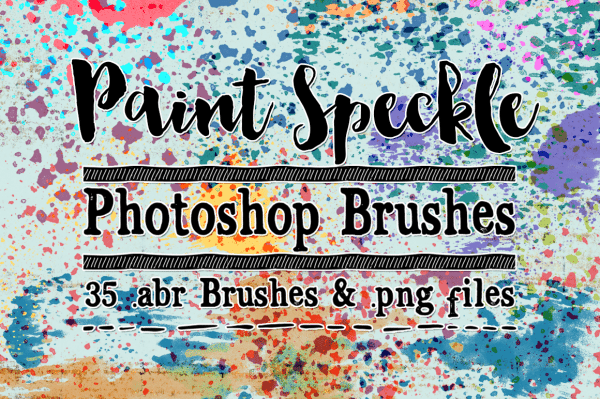
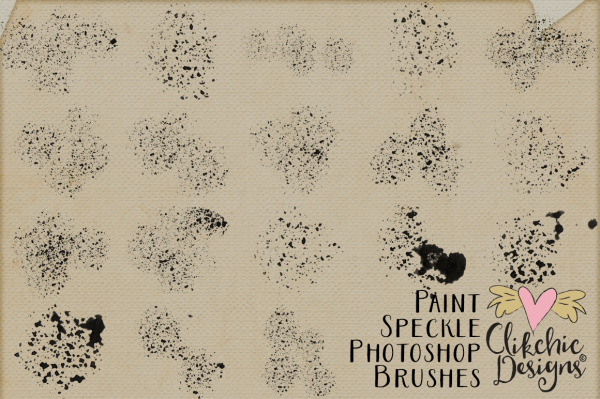
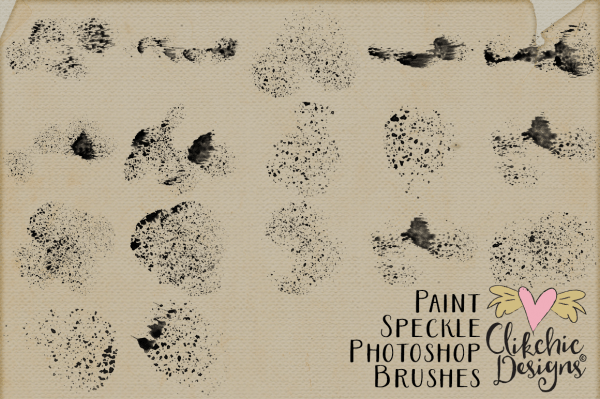
This versatile set of Paint Speckles Photoshop Brushes is perfect for adding a touch of whimsy and artistry to your digital scrapbook layouts, art journal, altered art, art photography, graphic design, card making and other creative projects. Check out these fabulous brushes in my Etsy store, in my Clikchic Designs store, or my Creative Market Store.
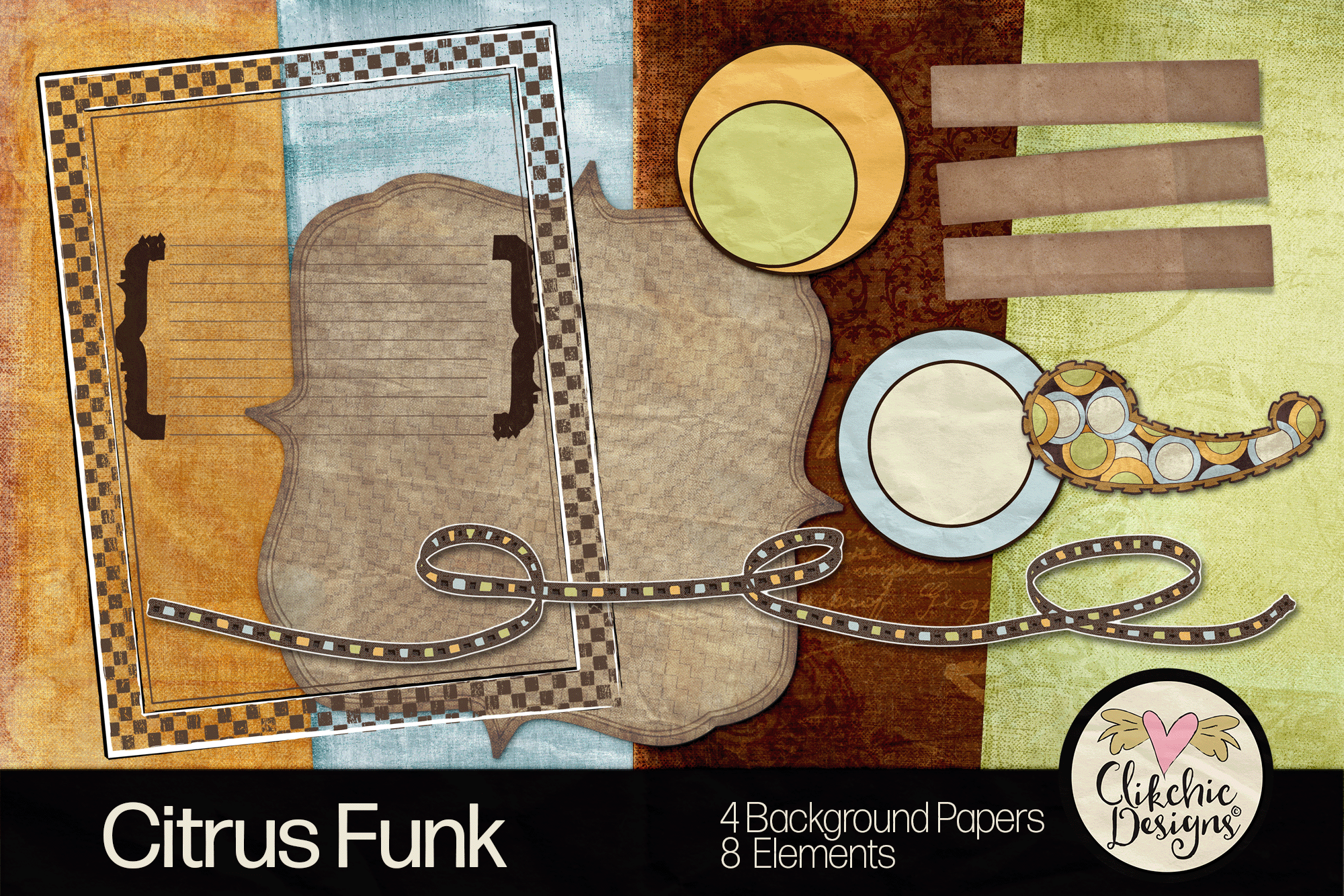
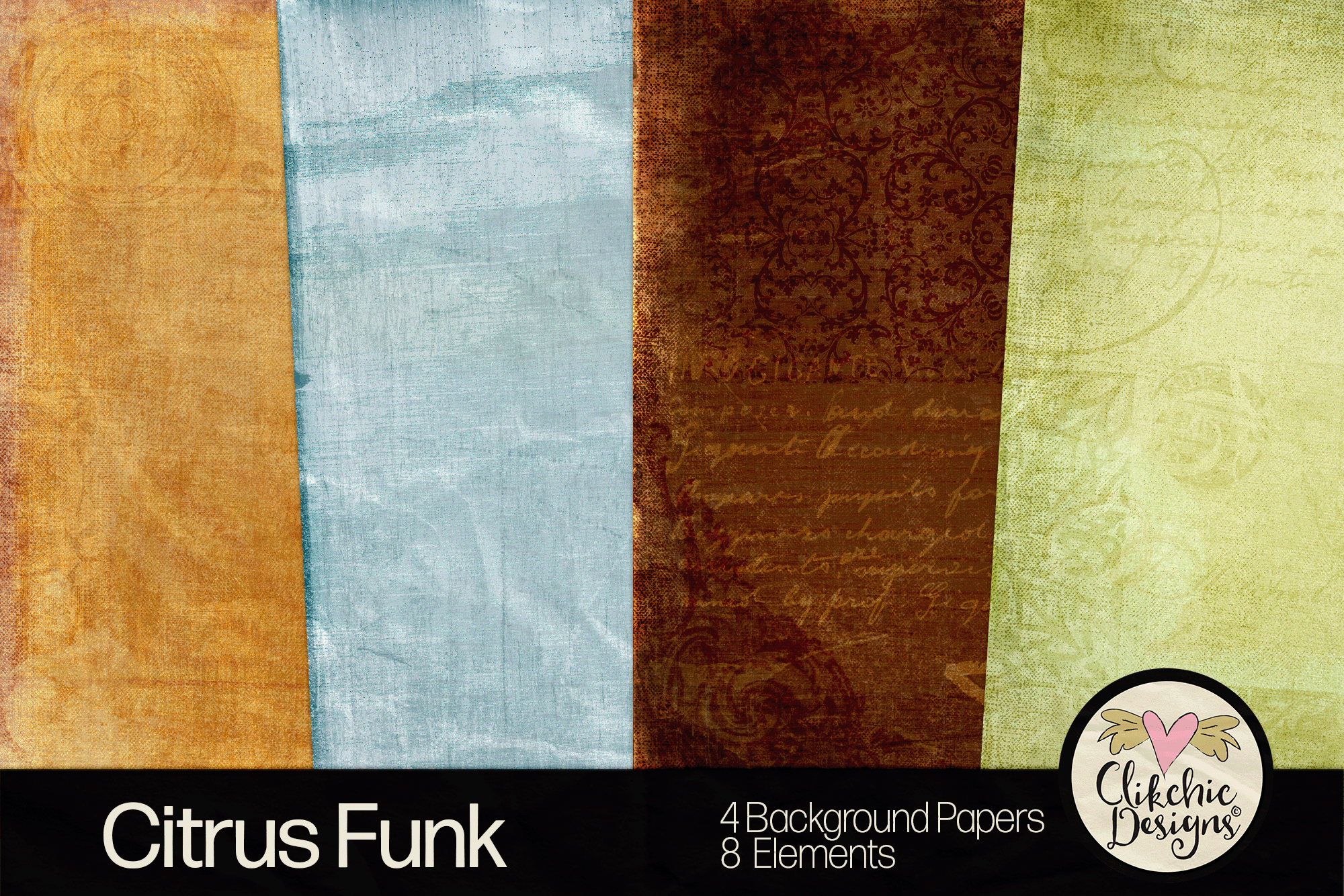
I have a digital scrapbook blog freebie for all my new friends, long time friends and loyal customers. This adorable mini kit includes 4 digital background papers and 8 elements.
You might like to also sign up for my newsletter. You get a freebie (yes another one) just for signing up and there are regular freebies in my newsletter issues. Newsletters will not be sent more than once a month.
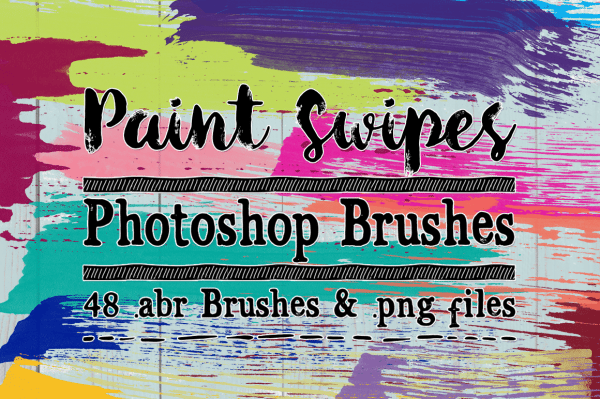
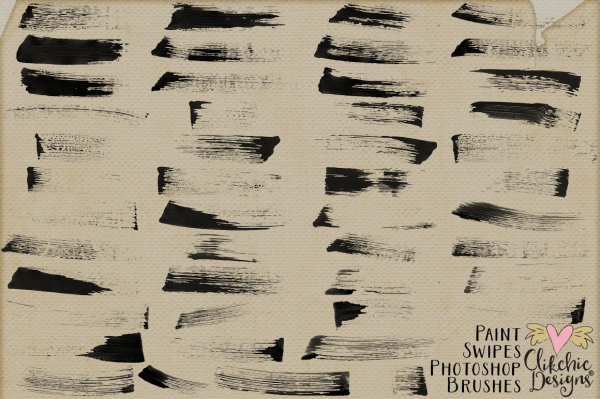
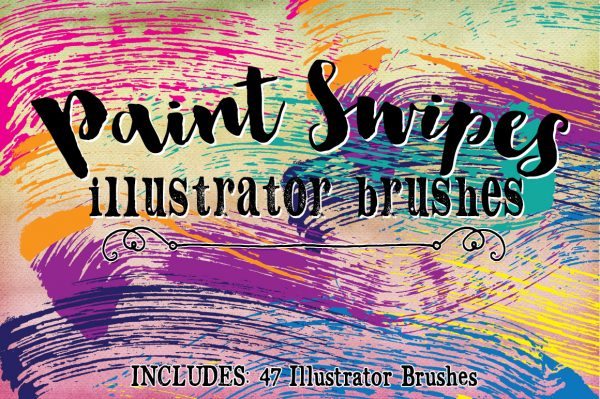
This fabulous mega pack of Paint Swipe Photoshop Brushes are perfect for adding a touch of whimsy and artistry to your digital scrapbook layouts, art journal, altered art, photos, graphic design, card making and other creative projects. Below the black and white samples show all the brushes and digital stamps in the set. The coloured preview shows some close up uses of the brushes using Photoshop. Check out the Paint Swipe Photoshop Brushes my Etsy store, in my Clikchic Designs store and my Creative Market Store.
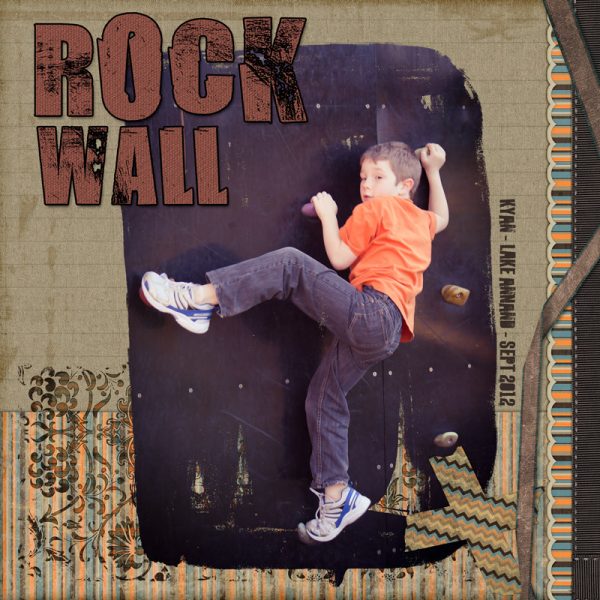
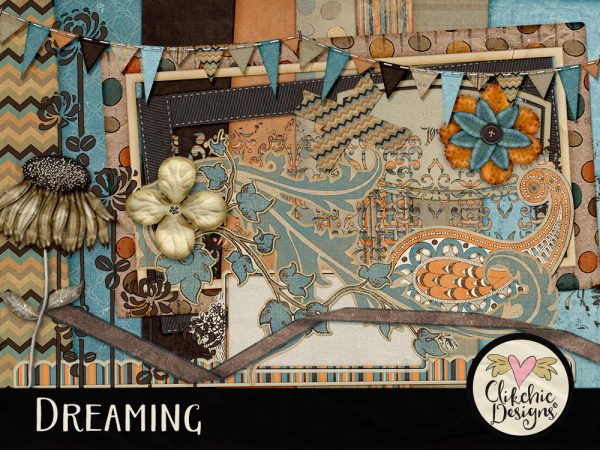
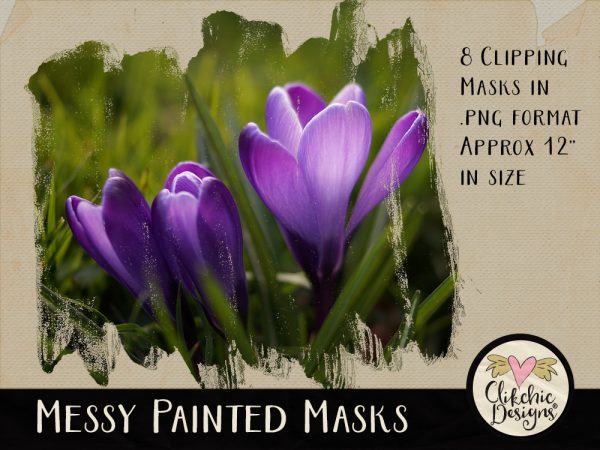
I have been meaning to digital scrapbook this photo of my son for ages. I love the dynamic angle and the colour in the photo and thought it would work beautifully with my Dreaming Digital Scrapbook Kit and Messy Painted Photo Masks. The Dreaming Digital scrapbook kit is available in my Etsy store, in my Clikchic Designs store. The Messy Painted Photo Masks are also available in my Etsy store as well as Clikchic Designs store and Creative Market store.
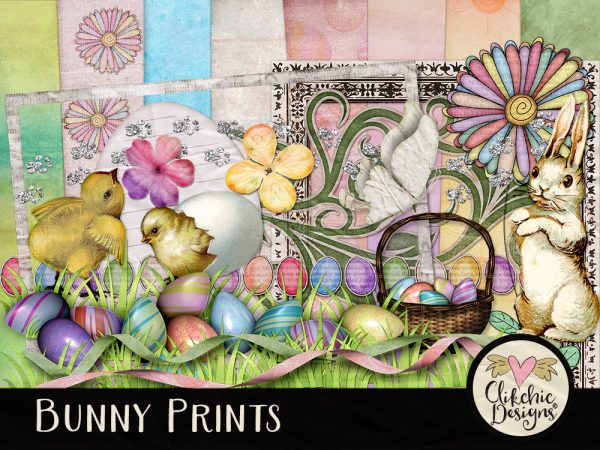
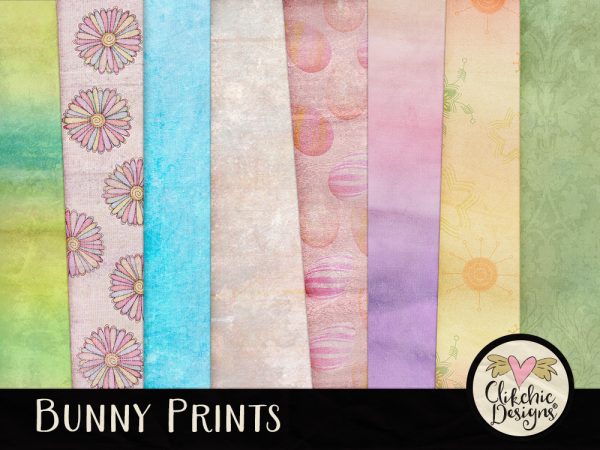
Bunny Prints is an adorable Easter & spring themed digital scrapbook kit perfect for scrapbooking all those adorable Easter hunt and Easter themed photos, as well as great for party invitations, card making and other creative projects. Check out Bunny Prints in my Etsy store or in my Clikchic Designs store. Bunny Prints coordinates beautifully with the Bunny Prints Word Art Set below.
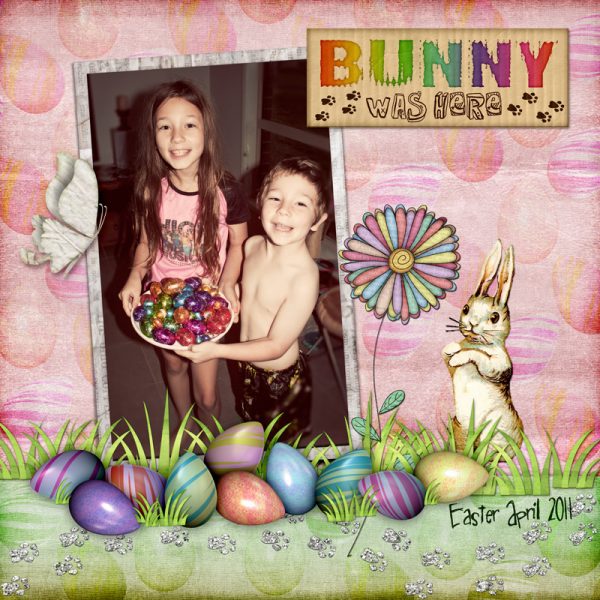
I created this layout of our darling kids after an Easter Egg hunt using the Bunny Prints Digital Scrapbook Kit
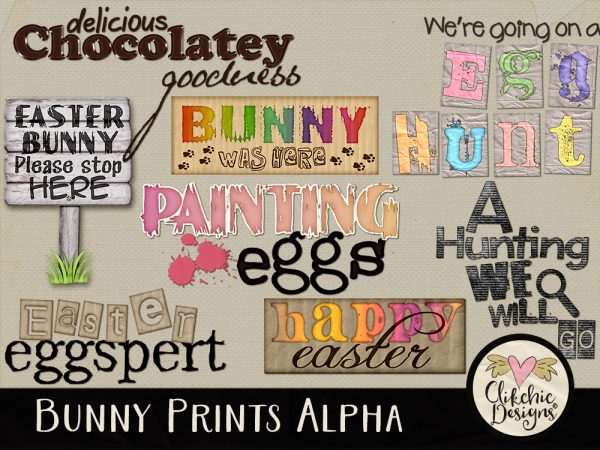
Check out the Bunny Prints Word Art Set in my Etsy Store or my Clikchic Designs store.
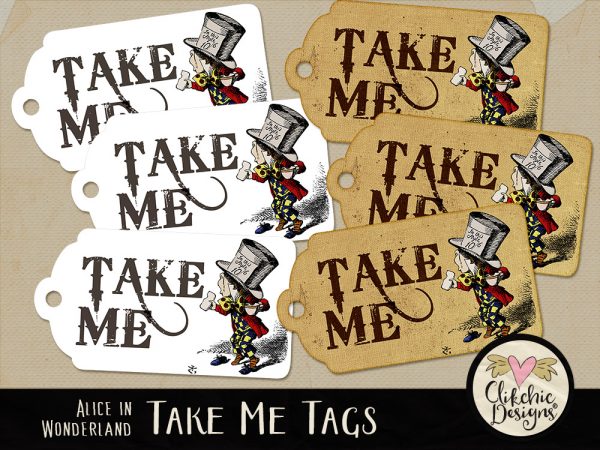
These adorable printable Take Me Mad Hatter, Alice in Wonderland tags are perfect for your tea parties, birthday parties, gifts of wine and other events featuring Alice in Wonderland. These beautiful tags feature digitally painted vintage images of the Mad Hatter. Available to you in a easy to use printable collage sheet. Check out the Mad Hatter Tags in my Clikchic Designs store, Design Bundles store, The Hungry Jpeg store or on Etsy.
These fabulous tags coordinate beautifully with my other Alice In Wonderland products.
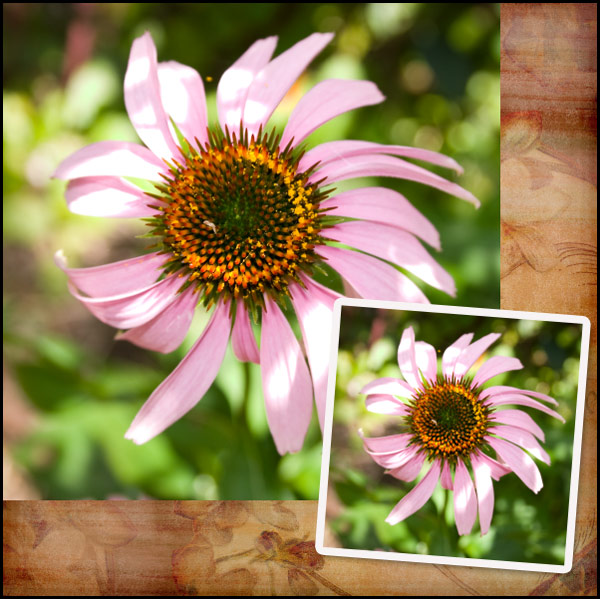
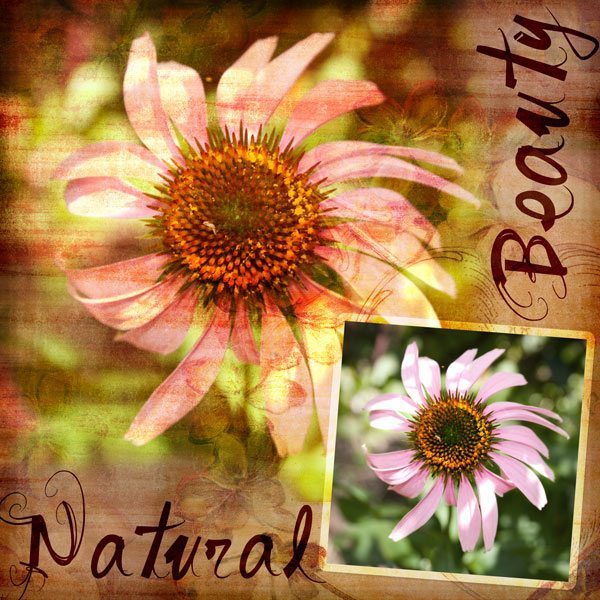
For the purpose of this tutorial I am going to do a layout where the photo blends into the background paper, and a second smaller, crisper copy of the same photo for a repeated effect.
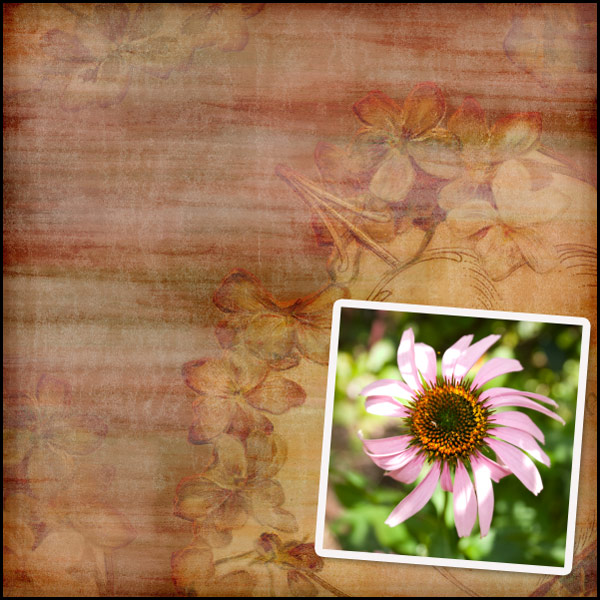
For some using blend modes in Photoshop is second nature, and it is a relatively simple method but for those who have not yet discovered it, here is a quick tutorial. To start my layout, I have selected a background paper and feature photo.
Next I am going to place a larger version of the image on the background paper, underneath the smaller version of the image.
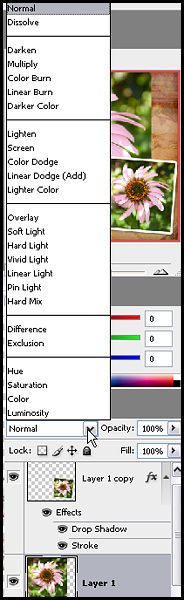
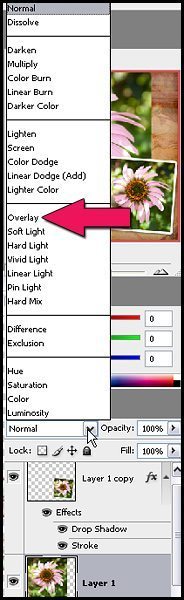
Next while the larger flower layer is selected, we need to change the blend mode. In your layers palette you will find a little white rectangular box which currently has normal selected, if you click on the drop down arrow, you will see the blend mode options available.
There are several different modes to choose from, and each will have a different effect and are great to experiment with but for the purposes of this tutorial we are going to use Overlay mode.
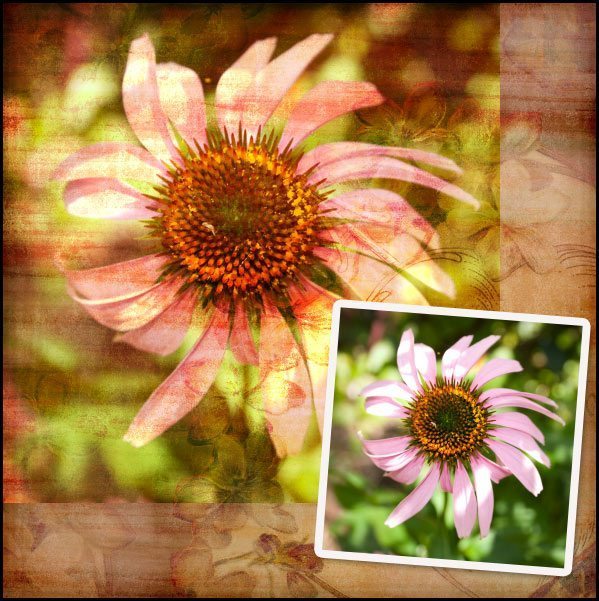
Once your layer blend mode has been changed to Overlay, your photo will look something like this.
As you can see the look is quite effective and quite vibrant, you can make it look less vibrant by adjusting the layers opacity. This will in turn bring more of the colours of the background through, and soften the colours in the overlaid photo. This option is worth experimenting with to suit your taste.
At this point while I like the effect on the photo, I feel the edges need blending into the background a little more. I like to use layer masks for this purpose to make corrections easier. While your larger photo layer is selected. Click on the Add Layer Mask button.
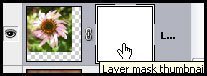
This will bring up a second thumbnail next to your image in the layers palette. To ensure the mask is selected, click on the mask to show the four corners surrounding it showing it has been selected.
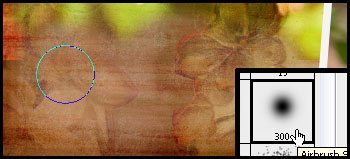
Once you have done this, you can use your black soft brush to remove portions of the image, and the white soft brush to add them.
If you make a mistake, you can simply change the brush colour to white to add back the portion of the picture you wish to. On my layout, I softened the edges two sides of the photo to blend them into the background a bit more.
To finish off the layout, I changed the stroke blend mode around the smaller photo to overlay in the layer styles and reduced the drop shadow to bring it more in keeping with a graphic style layout. I then added the titles in dark brown and changed their layer blend modes to Linear Light at 59% Opacity. I also reduced the saturation of the colour in the background of the smaller photo, to help bring out the pink a little more.
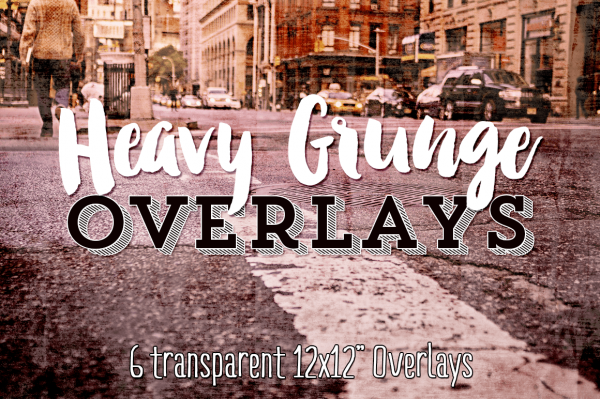
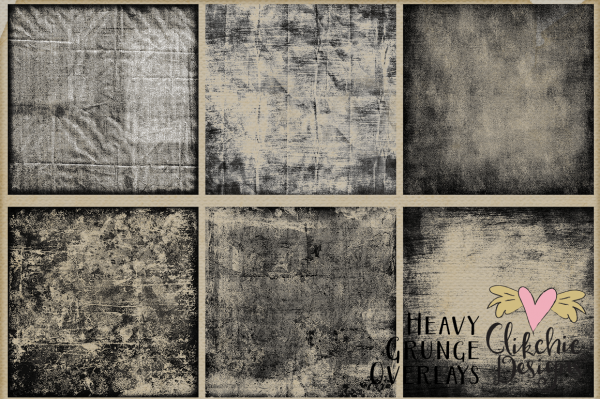
These six fabulous Heavy Grunge Overlays are so versatile you will wonder what you did without them. You can use the the digital overlays together, mixed and matched, blended, used on their own and separately as well as varying opacities. These overlays are fabulous for art photography, and a must have item for creative photographers and design professionals. These fabulous overlays are available in my Etsy store, my Clikchic Designs store and my Creative Market store.
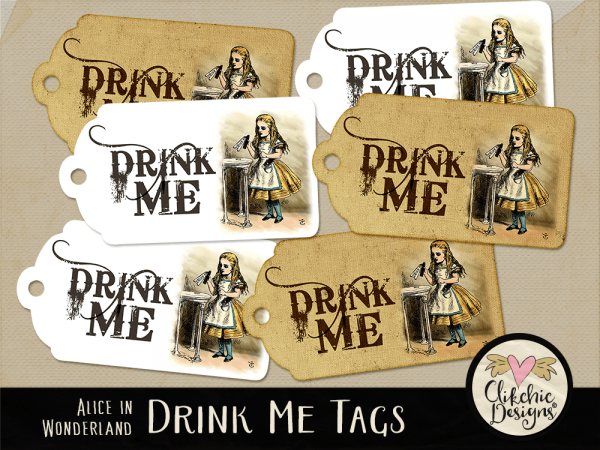
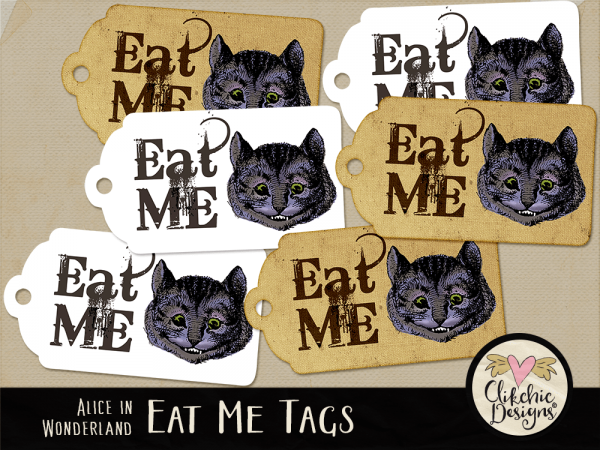
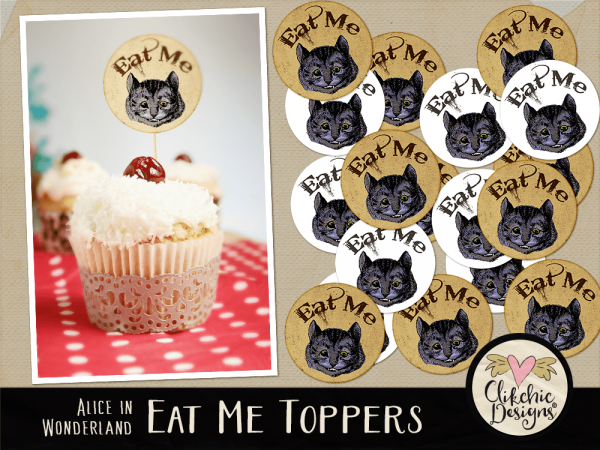
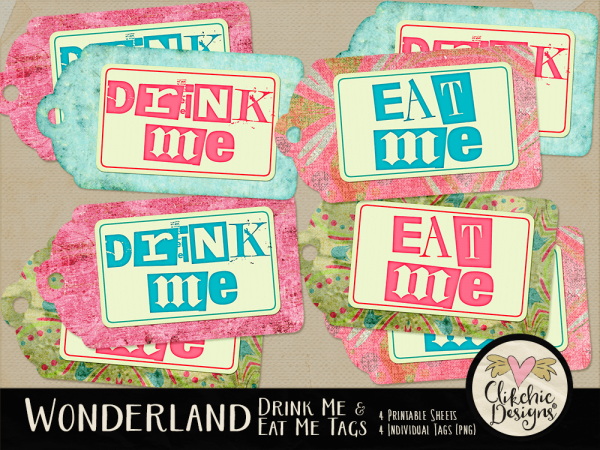
These funky printable Wonderland Drink Me and Eat Me Tags Printable Sheets are perfect for your tea parties, birthday parties, gifts of wine or food and other events featuring a bit of a quirky Wonderland theme. These beautiful tags feature funky colours and textures and adorable quirky text. Available to you in four easy to use printable collage sheets as well as individual .png images of each tag. Check them out in my Clikchic Designs Store, Design Bundles store, The Hungry Jpeg store or on Etsy.
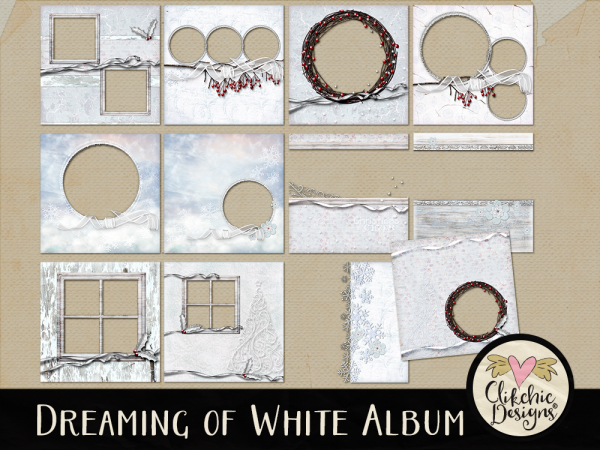
The Dreaming of White Digital Quick Page Album is full of winter themed digital scrapbook pages perfect for layouts of winter photos, and Christmas celebrations. With 12, 12×12 inch pages the Dreaming of White Digital Scrapbook Album is created with the Dreaming of White Digital Scrapbook Kit also available in store. Check out the Dreaming of White Digital Scrapbook Album in my Etsy store and my Clikchic Designs Store.