Dreaming of White

Dreaming of White is now available in my Etsy Store. Dreaming of White features beautiful winter tones with splashes of red to add warmth and wonder. Lovely Rowan Berry Branches and Wreaths, beautiful icy elements for scrapping your winter and Christmas photos. Dreaming of White is available in my Etsy store and Clikchic Designs store.

Dreaming of White Christmas & Winter Digital Scrapbook Kit

Dreaming of White Winter & Christmas Digital Scrapbook Kit

I did this layout of the kids visiting Santa this year using Dreaming of White Digital Scrapbook Kit.

Dreaming of White Christmas & Winter Digital Scrapbook Kit

Creating Selective Blur in Photoshop

You can produce some interesting selective blur effects with the Lens Blur filter in Photoshop. It is a technique originally created with a specialized camera and sometimes used in advertising images. Following is a quick tutorial on how to create a similar Lens Blur effect in Photoshop. Photoshop gives us a lot more control after the image is taken and how the blur is applied. It is a very effective technique great for emphasising a focal point or drawing the eye to a specific area of your photo.

First, create a selection on you photograph with the Elliptical Marquee tool. (situated on the rectangular marquee button).

Now feather the selection using Feather Selection in the Select – Modify – Feather Selection.
Type in 80 as a feathering range. (can vary depending on photo size)

Click on ok. Your selection may not change much on the screen but it will now be a feathered selection.

Click on Filter – Blur – Lens Blur. This will bring up a window for adjusting your lens blur settings.

Within this window you can adjust your settings. Select invert so that the outside of your subject is blurred. Below are the settings I used, you can adjust yours and experiment with your own settings to get an effect you are happy with.

And here is the final image. I love this effect and I am sure you will find many uses for it as well.

All rights reserved
© Clikchic Designs 2009
Do not reproduce without express written permission

World of Wonder

This is our cheeky little man playing at the park. He quite enjoyed crawling in and out of this train. This layout was done with my Monodrama Digital Scrapbook Kit and Whimsical Words from DSP. I did add a white stroke on ‘world of’ to make it stand out a bit from the background. The rest of the word art and kit items are as provided in the kit.

Ala Pink Digital Scrapbook Kit

This pretty baby pink digital scrapbook kit features a shabby chic style, romantic roses, flowers and splashes of silver. The Ala Pink Digital Scrapbook Kit is perfectly feminine and pretty. Little girls, young ladies, babies and mothers, the uses for this kit go far beyond the colour pink. Ala Pink is perfect for a wide variety of Digital Scrapbook Layouts, Card Making and other Crafts. Ala Pink is available in my Etsy Store and my Clikchic Designs Store.

Ala Pink Digital Scrapbook Kit

Ala Pink Digital Paper Pack

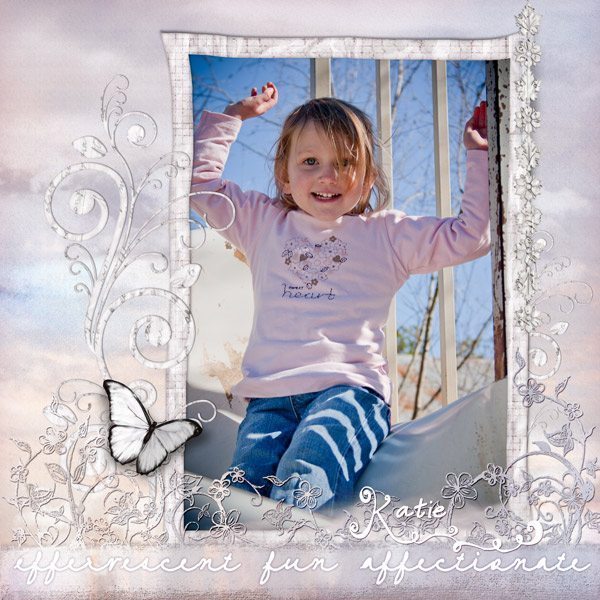
This layout was done with the Ala Pink Digital Scrapbook Kit.

Ala Pink Digital Scrapbook Layout

Ala Pink Digital Scrapbook Layout

Designer Journal Stamps & Photoshop Brushes

These Fabulous Designer Journal Frames and Photoshop Brushes with a little flourish and flounce are perfect for adding in a few words or paragraphs of journaling to give your digital scrapbook layout that finishing touch. The Designer Journal Frame set includes both the original .png image files and Photoshop Brushes (.abr). Experiment with a variety of colour and blend modes to maximize the versatility of this set. The Stamps are large in size to maximize your usage options. Designer Journal Frames & Photoshop Brushes are available in my Etsy store.

Designer Journal Frames and Photoshop Brushes