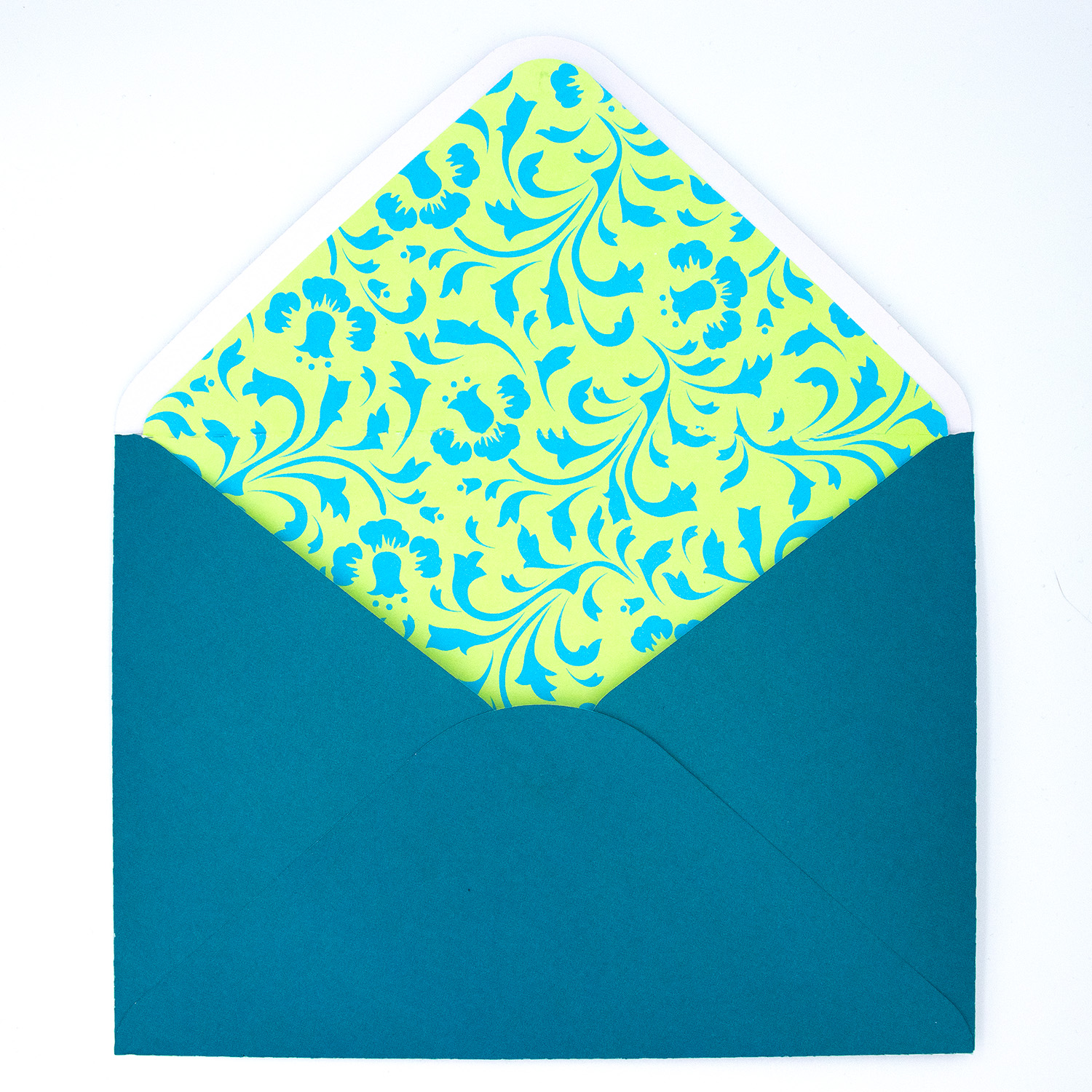
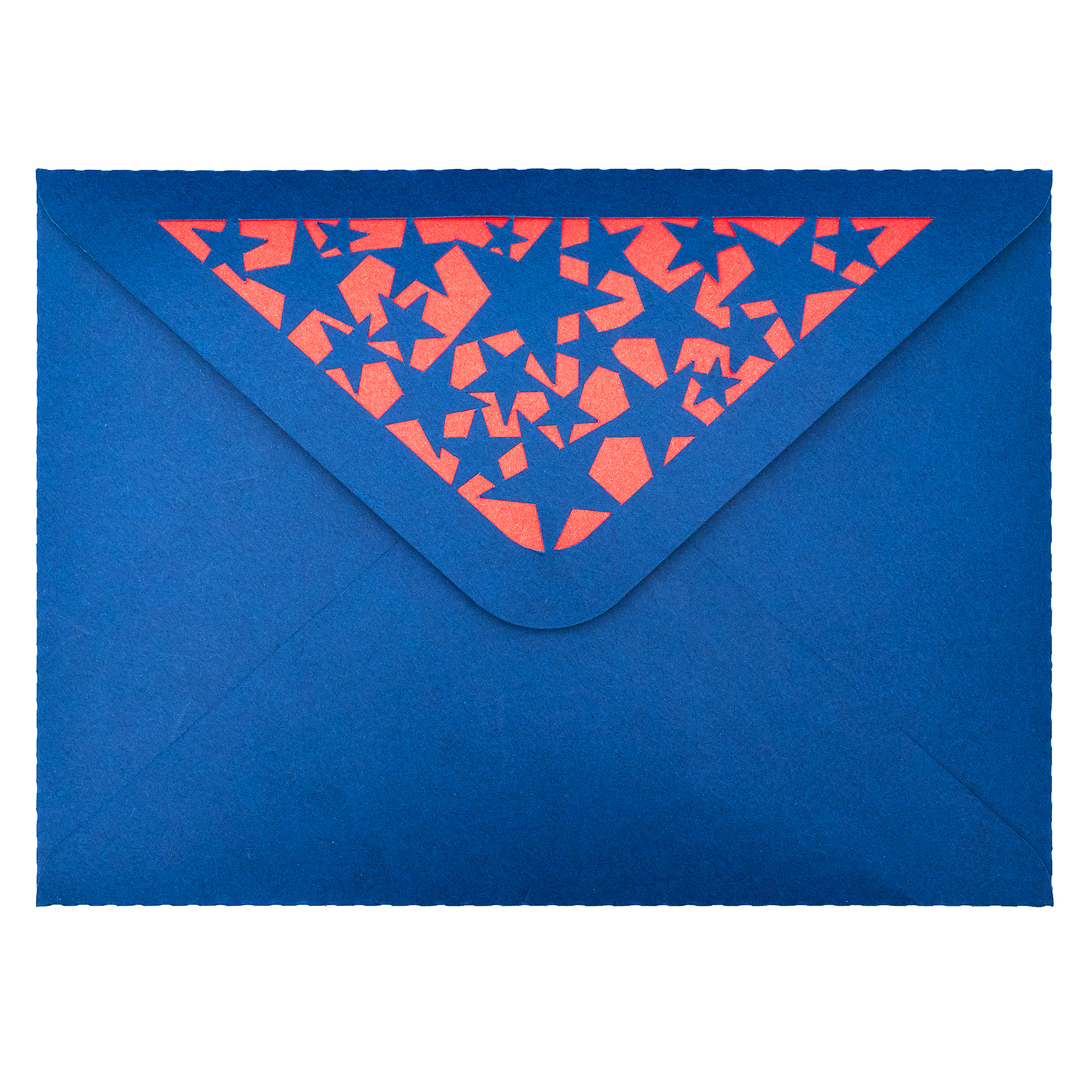
Looking to add the perfect finishing touch to your handmade cards? My 5×7 with liner envelope SVGs features a contrasting liner and some contain detailed cutouts on the opening flap—ideal for various themes including birthdays, celebrations, and more. Follow this easy step-by-step tutorial to assemble your envelope using your electronic cutting machine.
Contrasting cardstock or patterned paper for the liner
Double-sided tape and/or craft glue – glue may be needed for intricate cut areas
Step 1: Cut the SVG File
Start by uploading the SVG file into your cutting machine software.
Cut the envelope base using your cutting machine from sturdy cardstock.
Cut the liner using your cutting machine from lighter or contrasting paper for a dramatic visual effect.
Step 2: Fold the Envelope
Once your pieces are cut, fold the envelope along the score lines.
Fold the two side flaps inward.
Fold the bottom flap upward and the top flap downward to check the fit.
Step 3: Attach the Liner
With the envelope open and flap lifted:
Align the liner centered behind the top flap and/or cutout area keeping fold in correct position.
Apply glue or double-sided tape to the back of the top flap.
Press the liner in place carefully, ensuring it doesn’t extend beyond the edges. Note: attaching the bottom part of the liner to the inside of the envelope can cause issues with opening and closing so it may be best to leave it unattached.
Step 4: Assemble the Envelope
Apply adhesive to the bottom flap.
Fold in the side flaps and fold the bottom flap up and press firmly to secure. Let it dry flat for a few minutes before use.
The Finished Result
You now have a stunning handmade envelope that fits standard 5×7” cards. The inset cut patterns paired with a bold liner adds the perfect pop of personality and style—ideal for gifting, invitations, or patriotic occasions.
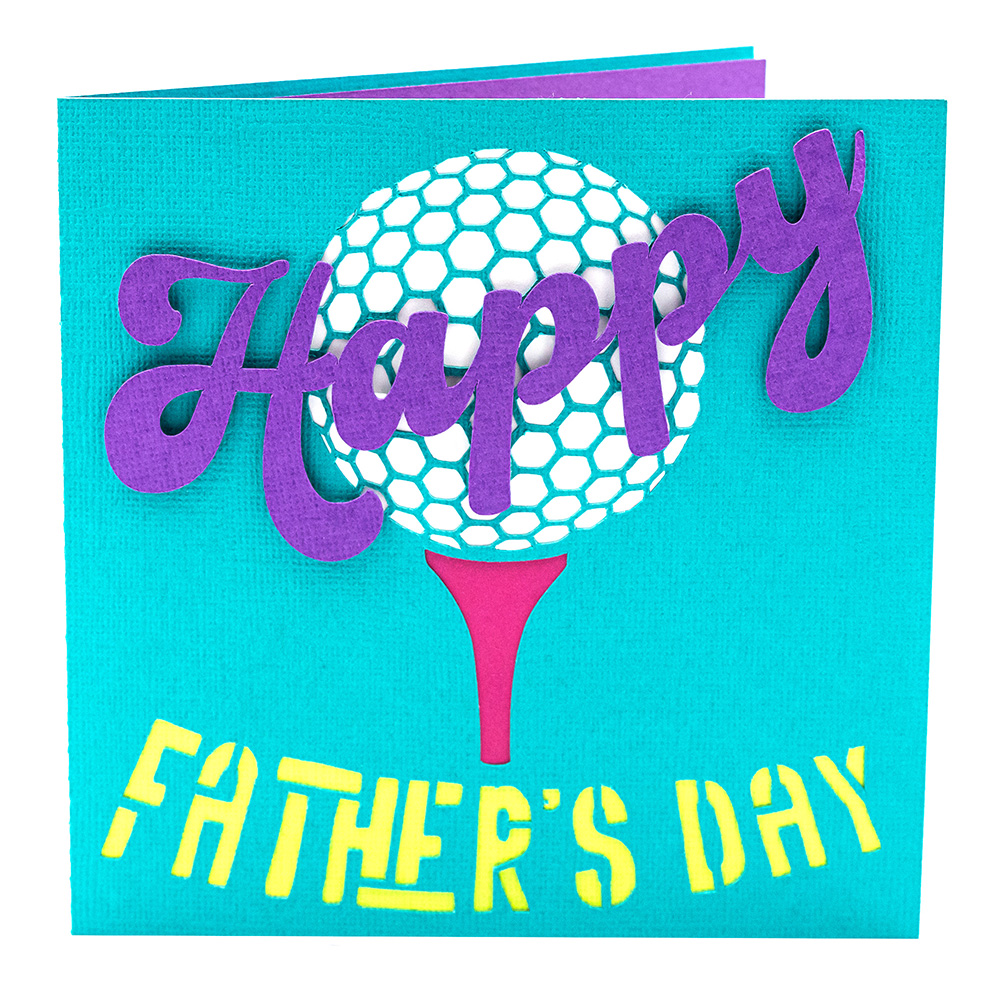
Looking for the perfect handmade card for a golf-loving dad? This layered Golf Ball Father’s Day Card SVG is the ideal craft project for your Silhouette Cameo. With its bold golf theme and dimensional layers, it’s easy to cut, assemble, and customise with your favourite cardstock colours. Follow this step-by-step tutorial to create a thoughtful and sporty card that’s sure to impress.
Materials Needed
Silhouette Cameo or Portrait cutting machine (or other compatible machine)
Optional: Matching 5×5” envelope SVG (Design ID D-181609 ) See store links for other available store options
Step 1: Set Up Your SVG in Silhouette Studio
Open the SVG file in Silhouette Studio and arrange the design elements by colour. The default size is for a 5×5 inch folded card, but you can scale it up to suit your preferences. Make sure to use separate cutting pieces for each colour of cardstock.
Step 2: Cut the Design Pieces
Load each piece of coloured cardstock onto your cutting mat and send the design to cut. The file includes:
Card base with Golf Ball, Tee & Happy Father’s Day cutouts
Golf Ball Cutout Background
Word art “Happy”
Tee Cutout Background
“Father’s Day” text cutout with optional backing layer
Card insert for your message and/or backing layer
Use a spatula to gently lift each element from the mat to keep edges clean.
Step 3: Assemble the Card
Begin with the card base laid open. Adhere the golf ball backing to the top half of the card behind the golf ball cutout, placing the tee beneath the tee cutout. Next, layer the “Happy” word art over the ball, then attach the (optional) coloured cutout backing behind the “Father’s Day” cutout text to make it pop. Finally, add the message insert inside the card which can also be used as the optional cutout backing for one of the elements.
Step 4: Optional Envelope
Complete your project by cutting a coordinating 5×5” envelope using Design ID D-181609 . It fits the card perfectly and adds a polished, professional touch.
This sporty, handmade Golf Ball Father’s Day card is a fantastic way to celebrate your dad’s favourite hobby. With a bit of cardstock and creativity, you’ll have a one-of-a-kind greeting he’ll treasure.
Don’t forget to follow Clikchic Designs for easy to find updates on latest designs.
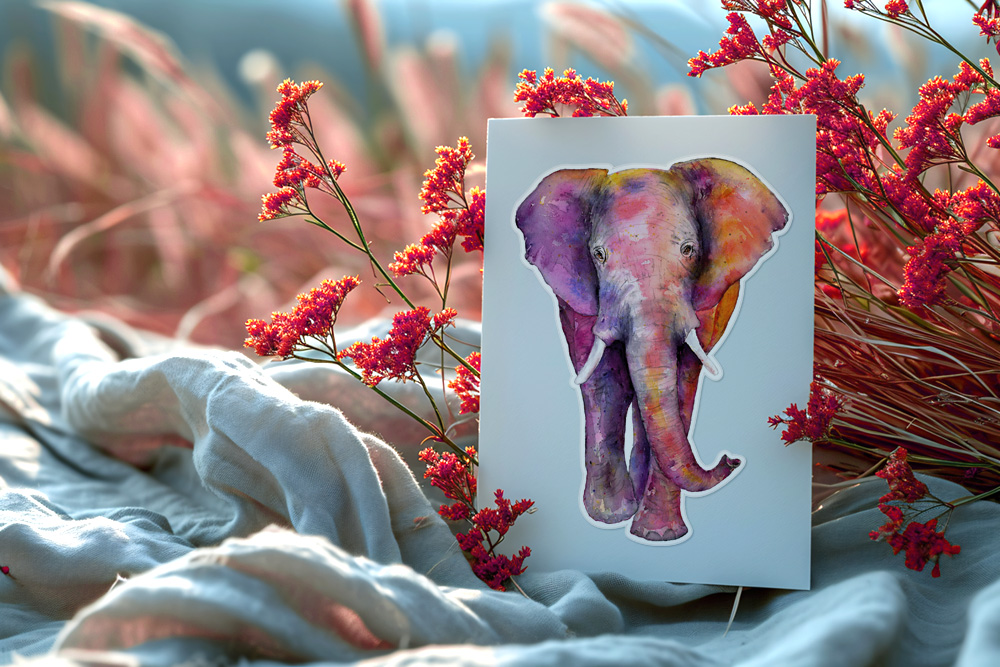
Bring a splash of vibrant colour to your next project with this stunning Colorful Watercolor African Elephant Print & Cut Design—available free for a limited time with any Clikchic Designs purchase in the Silhouette Design Store!
This gorgeous design features a richly painted elephant in rainbow hues, perfect for adding personality to your cards, stickers, scrapbooking, journal pages, or sublimation crafts. Designed to work seamlessly with your Silhouette cutting machine, it’s ready to print, cut, and add to your creative projects with ease.
Whether you love bold animal art or are simply looking for a standout design to brighten your creations, this colourful elephant is a must-have. But be quick—it’s only free with purchase for a limited time!
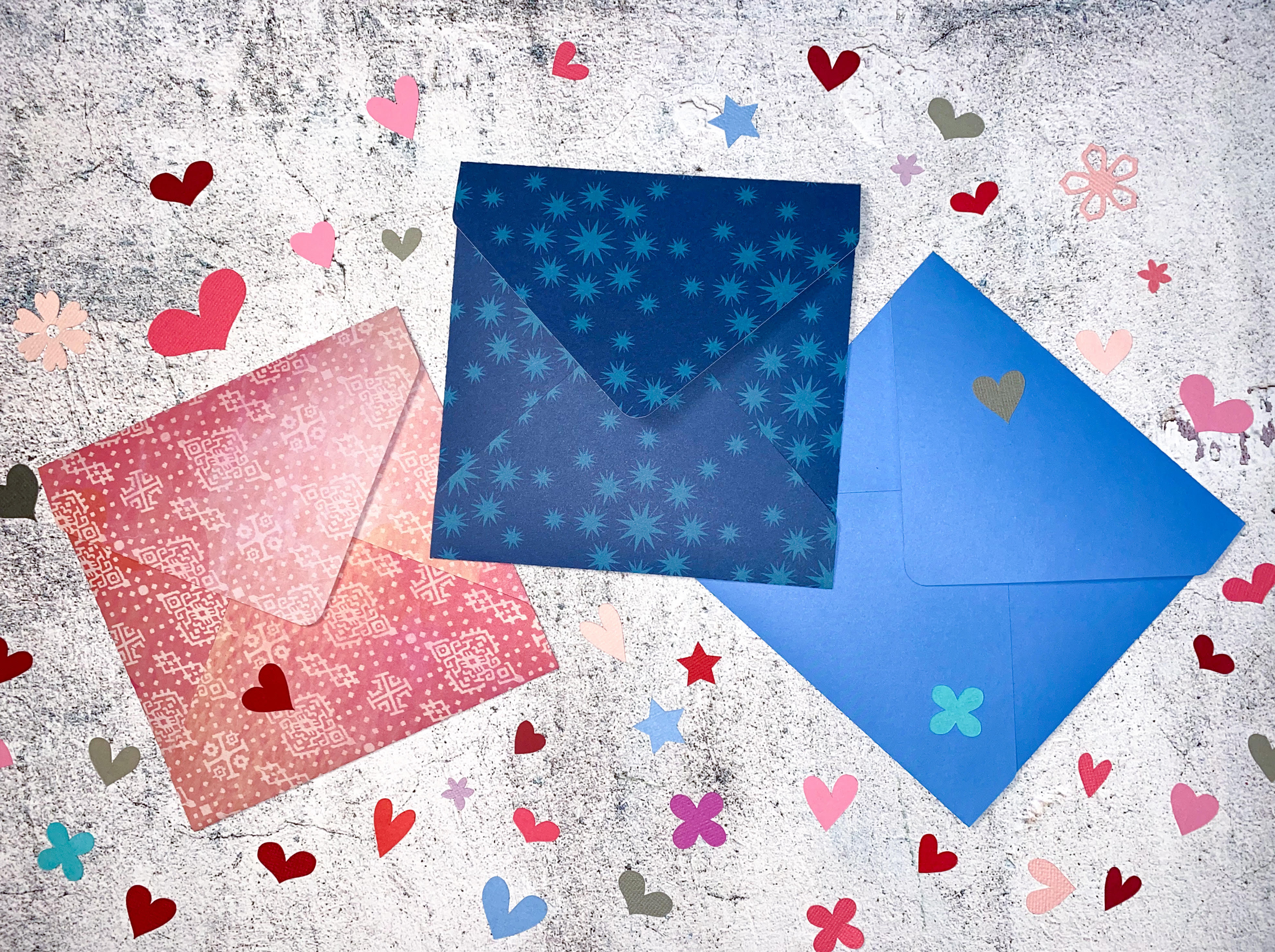
If you love making handmade cards and invitations, you know how important presentation is. The Square Envelope SVG Cutting File by Clikchic Designs makes it quick and easy to create elegant envelopes that perfectly coordinate with your cards—adding a beautiful, professional finish without the extra effort.
Exclusively on the Silhouette Design Store, you’ll find a versatile square envelope file ready to be resized for any project. With just a quick scale adjustment in Silhouette Studio, you can create envelopes to match a variety of square card sizes.
To help you get the sizing just right, use this handy guide to resize your envelope design:
5 Inch Card – Resize to 8.721 inches wide
5.25 Inch Card – Resize to 9.128 inches wide
5.5 Inch Card – Resize to 9.529 inches wide
5.75 Inch Card – Resize to 9.976 inches wide
6 Inch Card – Resize to 10.406 inches wide
6.25 Inch Card – Resize to 10.793 inches wide
6.5 Inch Card – Resize to 11.190 inches wide
Want to skip the resizing and get all seven sizes instantly? Grab the full multi-size set from:
To make it even easier, a step-by-step video tutorial is available showing just how simple it is to assemble your envelope once it’s cut. The folding and gluing process is fast and beginner-friendly—making this an ideal project for any paper crafter.
Quick to cut, simple to assemble, and stunning in presentation—this envelope file makes it easy to elevate your cardmaking with coordinated envelopes for every occasion.
Here are the alternate envelope sizes available in my stores:
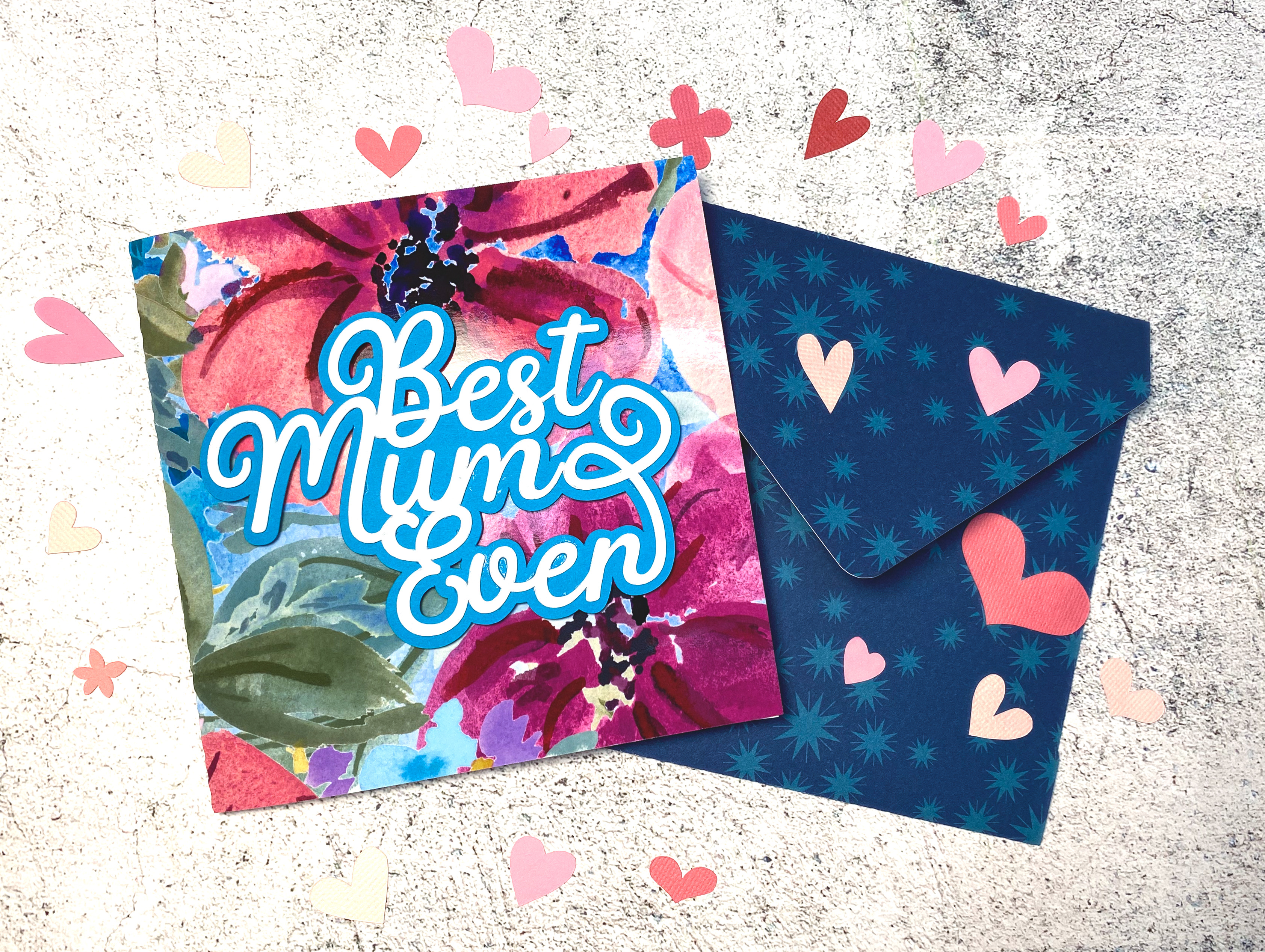
Create a heartfelt handmade card this Mother’s Day using your Silhouette cutting machine. This tutorial combines a beautiful watercolor floral background with a bold sentiment for a layered design full of colour and charm. It’s a simple but elegant way to show your love and appreciation.
Don’t miss the Instagram reel showing the process at the end of this tutorial.
Optional Envelope cutting file to create coordinating envelope – Download here
Step-by-Step Instructions:
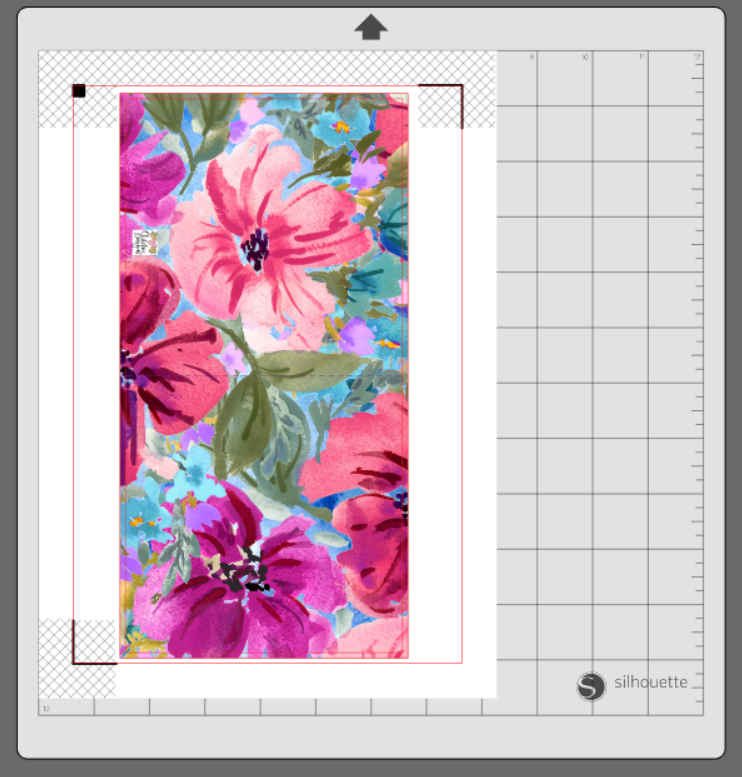
1. Create the Card Front In Silhouette Studio, draw a rectangle sized 10.2″ x 5.2″ and fill it with the watercolor floral background. To fill a shape with a pattern in Silhouette Studio, select the shape, open the Fill Panel, click the Pattern Fill tab, and choose your desired pattern from the available options or import your own. The slightly larger rectangle acts as a bleed, ensuring the background prints edge-to-edge.
2. Add the Card Template Paste the 10″ x 5″ card template over the background and centre it. This template includes cut and score lines to form your card base.
3. Enable Print & Cut Settings Turn on Print & Cut with registration marks enabled. Print the design on photo paper or white cardstock using your home printer.
4. Cut by Line in Silhouette Studio When sending your printed design to your cutting machine, make sure to cut by line colour. Turn off cutting for the larger background rectangle—this is only used for bleed and should not be cut. Ensure only the template border and score lines are active in your cut settings.
5. Fold the Card Once cut, fold along the score line to form your card base.
6. Import the Sentiment Open the Best Mum Ever or Best Mom Ever sentiment SVG in Silhouette Studio.
7. Cut the Sentiment Cut the sentiment from white cardstock or any colour of your choice.
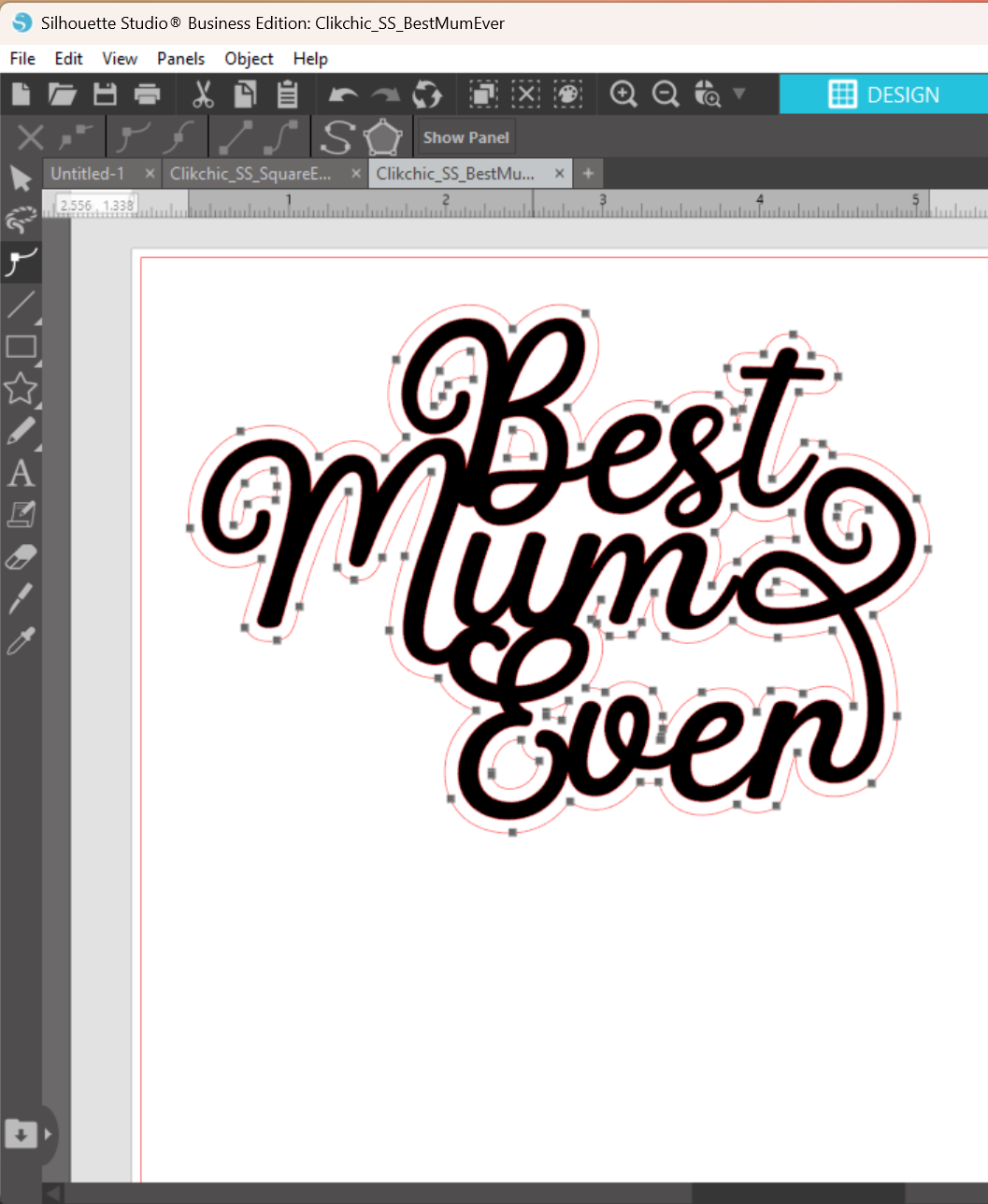
8. Create and Cut an Offset Use the Offset tool set to 0.085″ to create a border for your sentiment. Adjust the offset shape as needed using the Edit Points tool, especially if you’d like to remove small inner cut areas based on your preference.
9. Assemble the Sentiment Glue the sentiment onto the sentiment border (offset layer) and let it dry.
10. Finish the Card Add adhesive foam tape to the back of the assembled sentiment and adhere it to the front of your card for dimension and impact.
Your Finished Project
A beautiful, professional-looking handmade card full of layered texture and vibrant colour—ready to make any Mum or Mom feel extra special this Mother’s Day.
Looking for the perfect envelope to match your card? Make it extra special with my Square Envelope Cutting File—ideal for creating a beautifully coordinated finish!
Scroll on to see the video of the card making process.