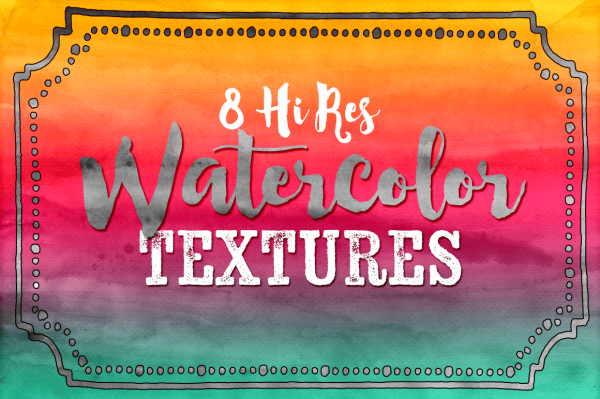
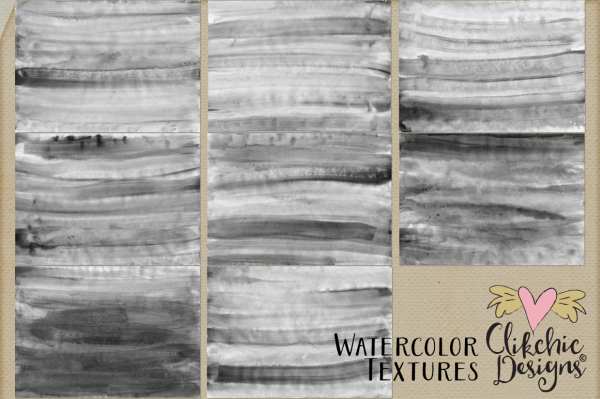
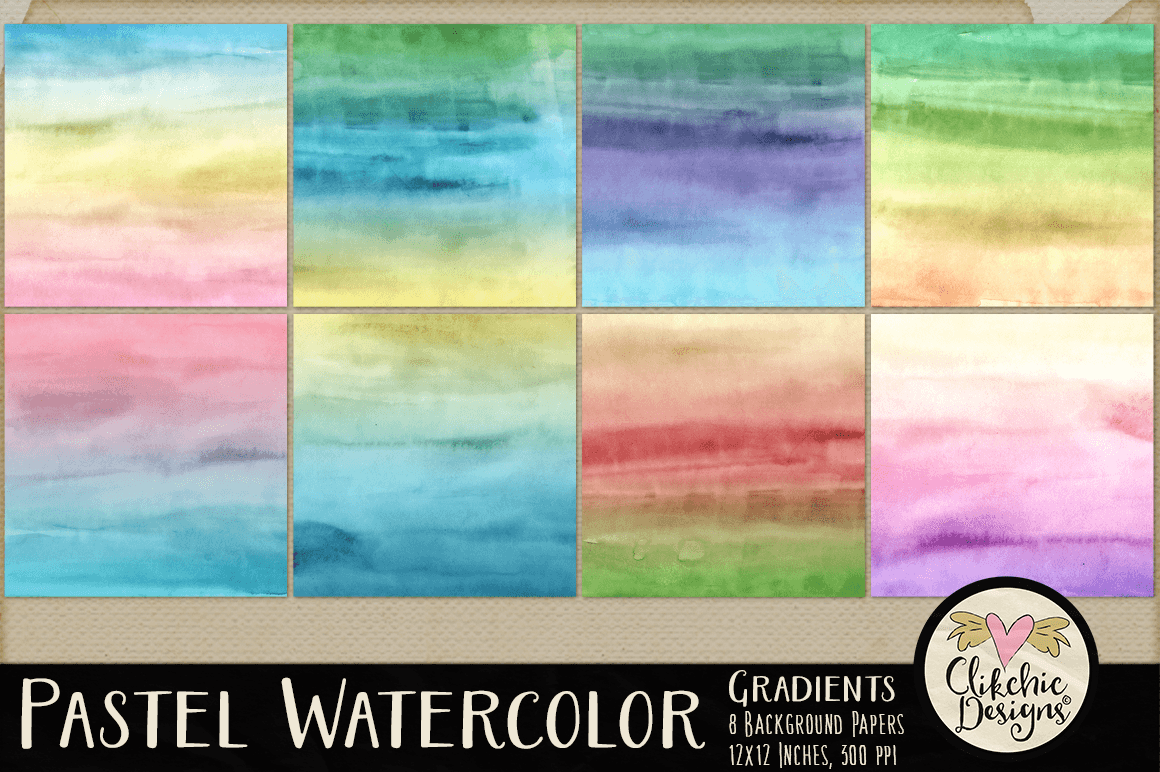
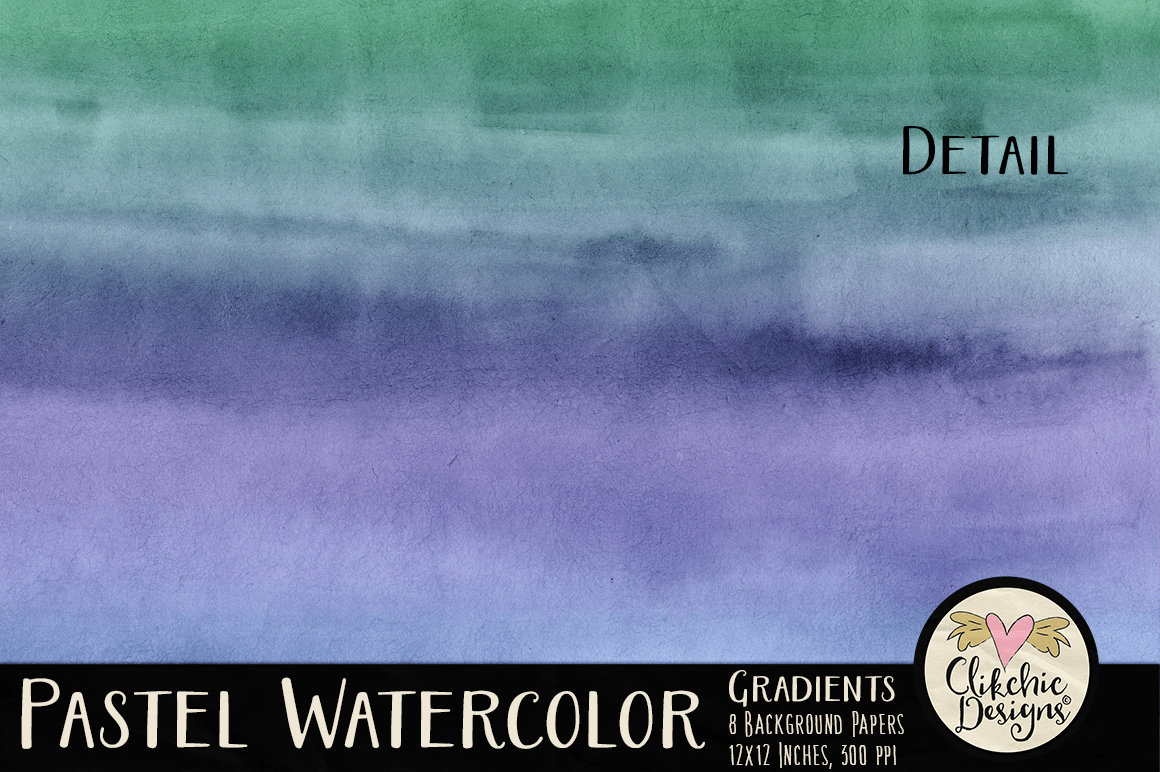
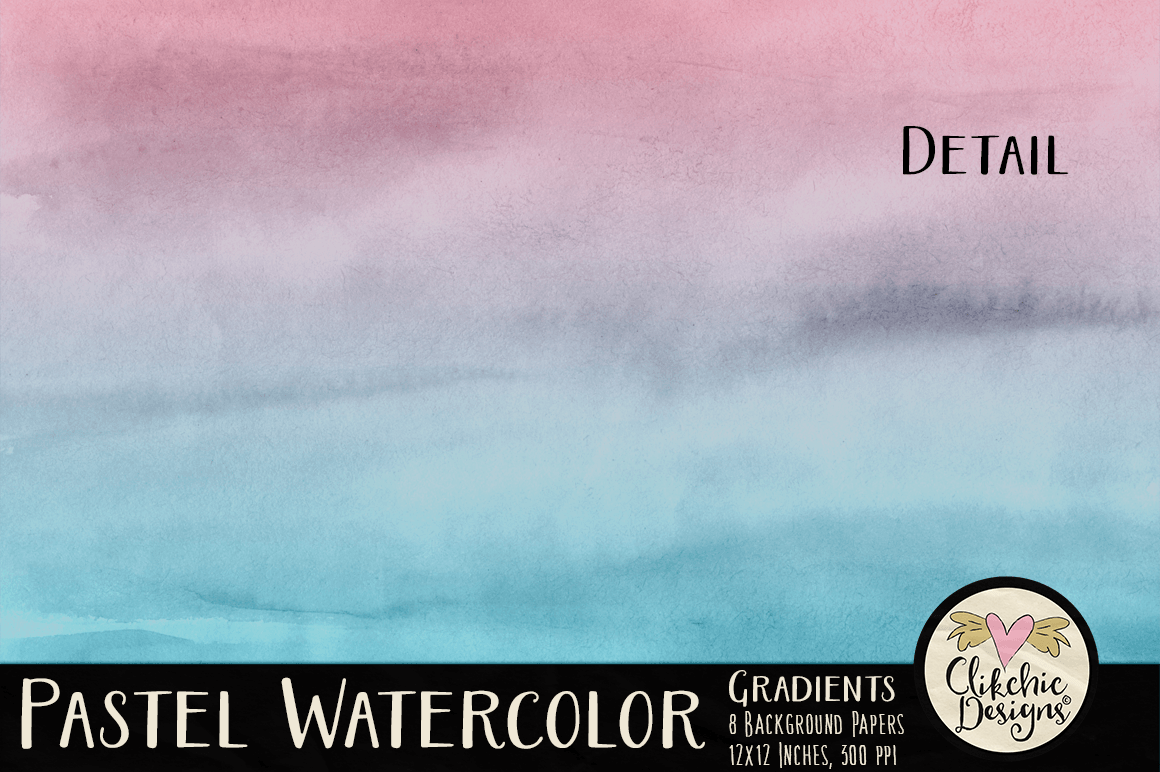
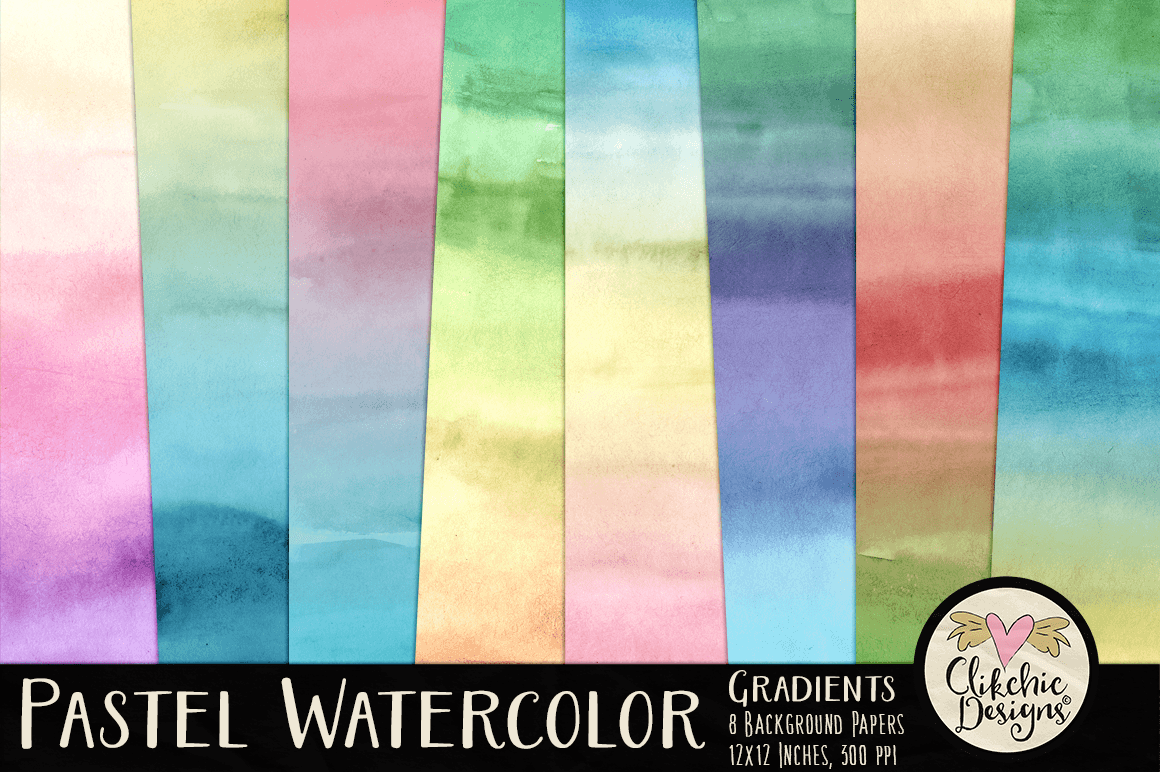
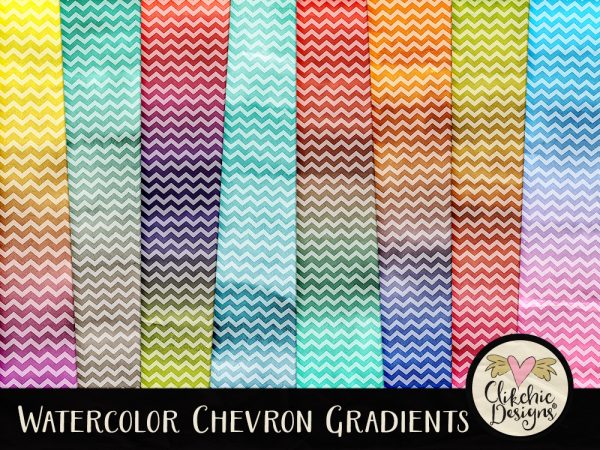
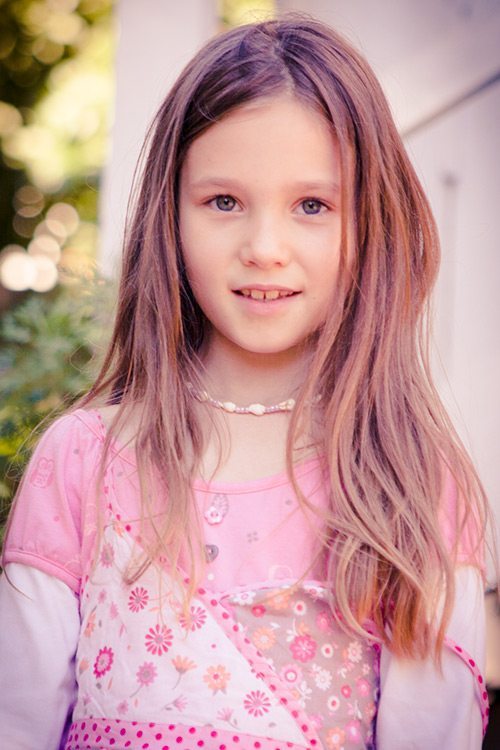
Watercolor is all the rage in design right now and these Watercolor Textures are so versatile you will come back to them again and again. They are a must have set for digital scrapbookers, designers and photographers! The preview image was created with the watercolor texture, and a gradient fill layer above the texture layer, set to overlay blend mode and reduced opacity over the top. This provides a realistic blend of vibrant water color. Experimenting with different fill layers and blend modes provides a wide variety of options.
These high resolution, high quality textures are now available in all three of my stores. Check them out in my Etsy store, my Clikchic Designs store or my Creative Market store. Some examples of what you can do with the overlays are shown in each of my stores.
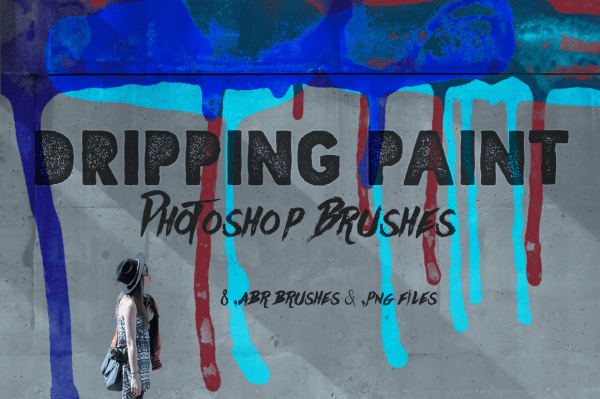
These fabulous Dripping Paint Photoshop Brushes are a must have set for your graphic design and digital scrapbooking collection. Included in the set a 8 high resolution dripping paint Photoshop brushes and 8 corresponding .png files. The Dripping Paint Photoshop Brushes are available in my Etsy store, my Clikchic Designs store and my Creative Market store.
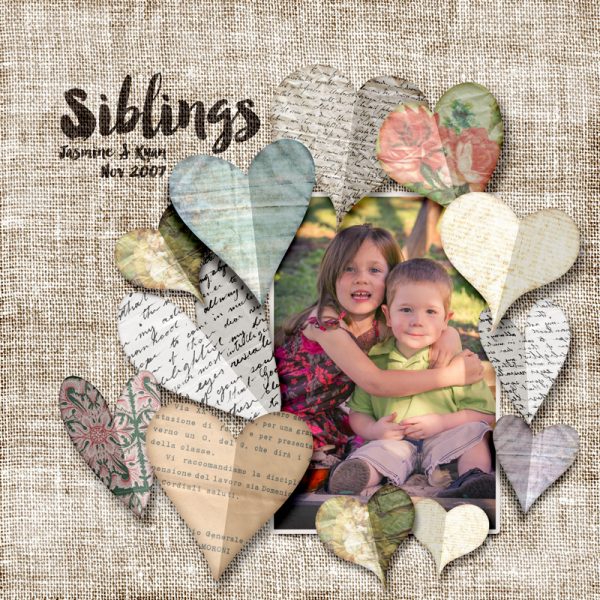
I haven’t done a digital scrapbook layout for a while. I really need to do more of them! I also need to take more photos, I do not take enough! This layout is of our darling kids when they were little playing in their sandpit. I love that they were and still are quite good friends. I created my layout with my Burlap Digital Texture Pack and Digital Paper Hearts.
The thumbnails below are linked to my Clikchic Designs store.
Click on the above previews to access these gorgeous sets in my Clikchic Designs store. Paper Hearts is available in my Etsy store, or Burlap Backgrounds is available in my Etsy store.
Due to the popularity of my Watercolor Gradients Background Paper Pack, I’ve expanded the collection with a new set of pastel tones. These stunning, luminous watercolor backgrounds are perfect for clipping into shapes or clipping masks in Silhouette Studio or Photoshop. They print beautifully and are ideal for digital scrapbooking and other design projects. Check them out in the following stores!
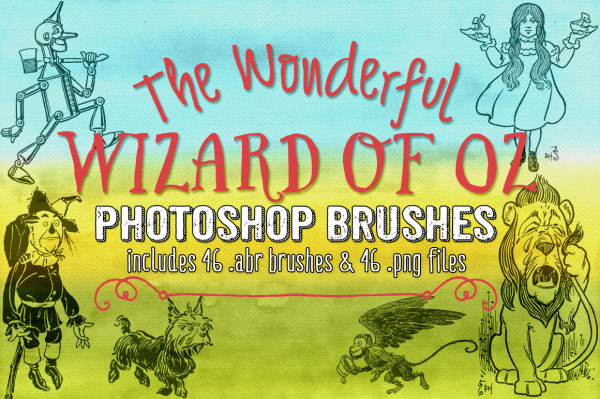
These beautiful illustrations by William Wallace Denslow featured in The Wonderful Wizard of Oz pre-copyright book have been lovingly restored and lines smoothed and converted into Photoshop Brushes and .png image files. Check out these beautiful high quality brushes in my Clikchic Designs store, my Etsy store and my Creative Market store.
These fun and quirky Valentine Hearts are wonderful for Wedding Invitations, romantic digital scrapbook layouts and Valentine projects. Check out Valentine Hearts now available in my Clikchic Designs store, my Etsy store and my Creative Market store.
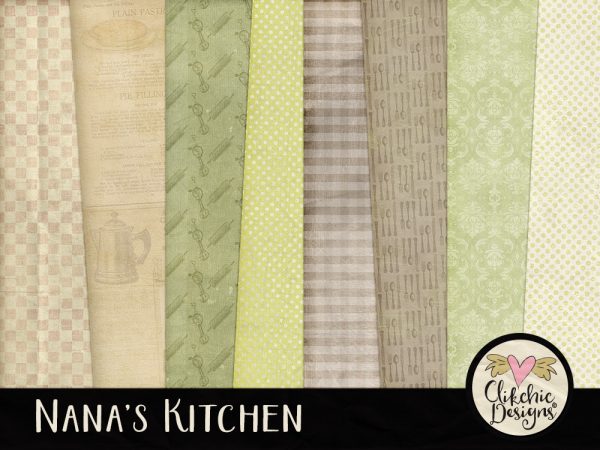
This beautiful Digital Texture Paper Pack is reminiscent of a Nana’s Kitchen, featuring beautiful textures with a cooking and kitchen theme, perfect for recipe cards, cooking digital scrapbook layouts, invitations and many other creative projects. The Nana’s Kitchen Digital Paper pack is available in my Etsy store, my Clikchic Designs store and my Creative Market store.
These adorable Thank You Gift Tags are great for Etsy and Ebay sellers to show your customers you care or simply to attach to a gift of thanks. Print them yourself and always have them at the ready for those last minute gifts. The Printable Thank You Gift Tags are now available in both my Etsy and Clikchic Designs store.
Want to see the other tags I have available? Check out my printables section in my Etsy store, and in my Clikchic Designs store. There are Christmas tags too!
Photographic Composition can have a dramatic effect on the impact of your photographs.There are several easy techniques which you can use help improve your photography.
Distracting Backgrounds
Distracting Backgrounds can spoil an otherwise great photo. For instance, a brightly coloured object behind the subject, say a child, can draw your eye away from the subject. I took a snap of my daughter when she was 2 while she was playing in the backyard. The background was the plain green of the grass apart from one distracting element, a bright red swing in the background. The bright colour drew your eye away from the main subject. It was such a nice natural candid shot it was a shame to have it spoilt by the swing in the background.
Wherever possible it is best to keep an eye out for such distracting elements when taking your image and change your position or recompose.However this is not always possible and in this case I was able to remove the swing with the help of the clone tool in Photoshop.
Fill the Frame
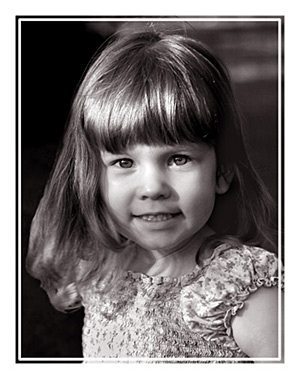
Another way to avoid distracting backgrounds and maximise photo impact is to fill the frame with your image. Because the frame is filled with the subject it draws and holds your eye on the subject. Simplifying the photo further by converting to black and white can also dramatically improve an image, or simply give a different feel or mood.
Depth of field
Depth of field can also help with distracting background elements. Using a narrow depth of field works to keep the field of focus on the subject and details in the background are blurred out. In the case of using long lenses, you might also get bokeh effects which are commonly a pleasing (and currently popular) effect created by the shape of the shutter and sometimes becomes apparent with narrow depth of field and highlights in the background of an image. If bokeh highlights are too bright however, they too can be distracting. You can avoid bokeh effects by using shorter lenses.
Rule of Thirds
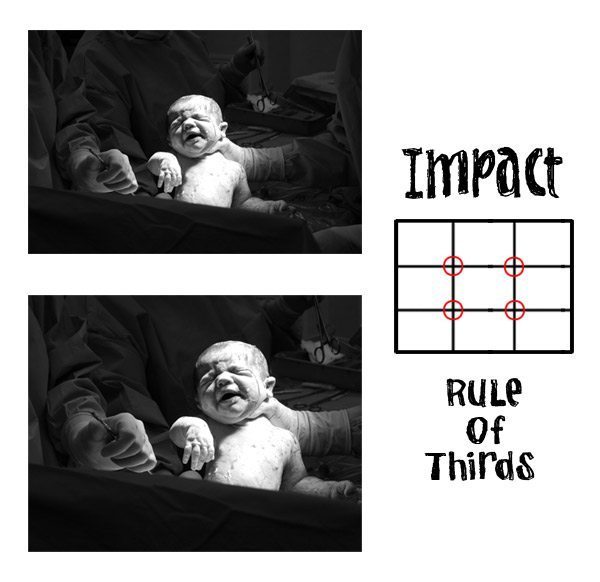
It is not always best to fill the frame as sometimes you need to show more to tell the story. Sometimes positioning the subject in a certain way can add tension to the image. A common technique is to use the ‘rule of thirds’. When using this technique you mentally divide the frame into thirds by way of horizontal and vertical (mental) lines. The points at which these lines cross are the best points to position the subject to take advantage of maximum ‘tension’ and compositional ‘correctness’ emphasise the feel or mood.
It can be very tempting to place a subject in the centre of the image. Using the rule of thirds makes an image more interesting to look at and increases tension and balance. Below is a photo of my son being born with him positioned in the centre of the frame. Also shown is the same image cropped using the rule of thirds to add interest to the composition. This format makes the image more interesting to look at and adds tension. Take a look and decide for yourself.