Jun 18, 2017 | New Releases, Photography, Photoshop
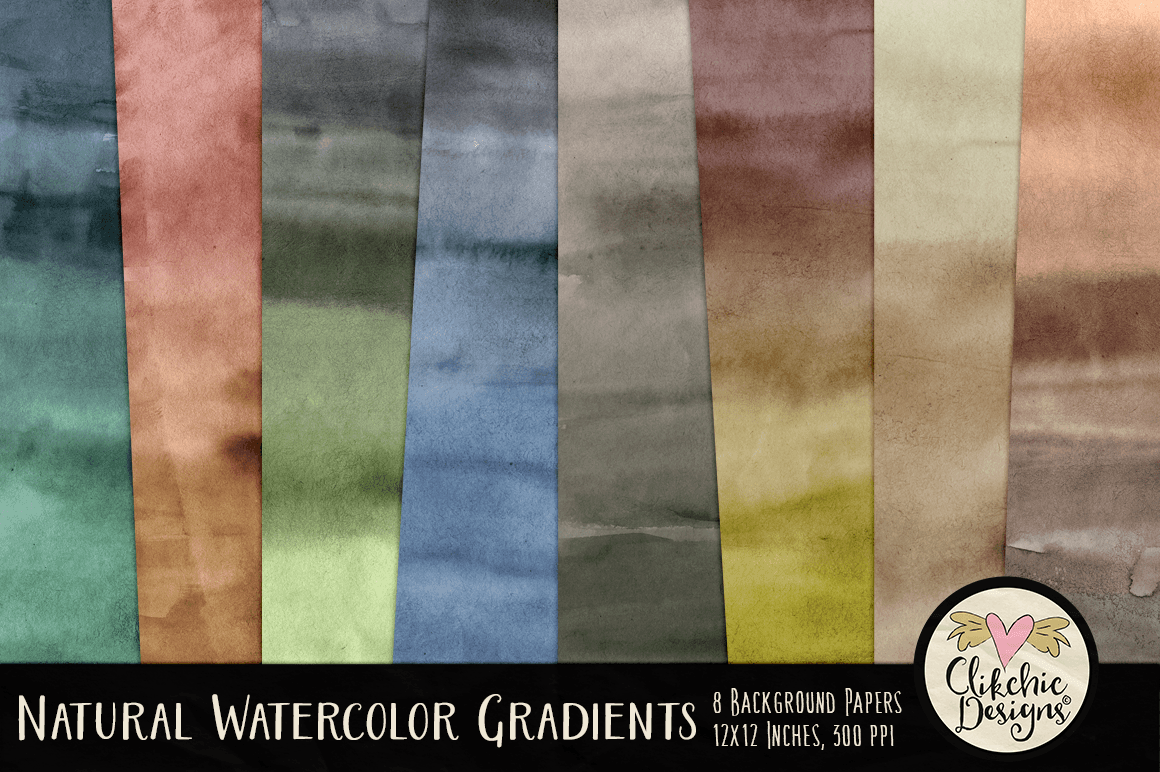
Check out these gorgeous Rolled Paint Clipping Masks fabulous for creating beautiful painted looks and gorgeous works of Art Photography, Digital Scrapbooking Layouts and a wide variety of design projects. The Rolled Paint Clipping Masks are available in my Etsy store, my Clikchic Designs store and my Creative Market store.

Jun 6, 2017 | Photoshop, Tutorials
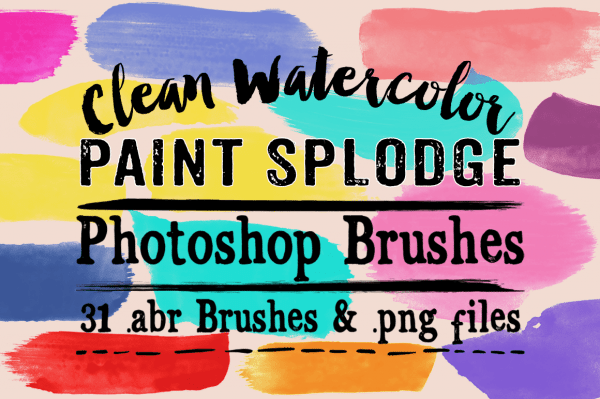
I had a question today about recoloring the png files I include with my Photoshop brushes, so I thought I would do a quick tutorial on how to recolor in Photoshop. I am using Photoshop CC for this tutorial but the instructions will work for any version of Photoshop. For the purpose of this tutorial I am going to use my Clean Watercolor Splodge Photoshop Brushes available in my Etsy store, Clikchic Designs store and Creative Market store.
For this tutorial I am going to use the .png of the brush named Clikchic_ABR_PaintSplodgeClean_03.png.
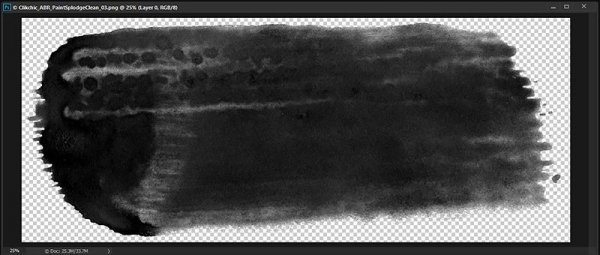
As you can see, all the .png’s of my brushes come in black as this is the best shade for making Photoshop brushes. It is also more easy to recolor sometimes than other colors.
I am going to recolor the brush stroke to pink, since that is my favorite color. As for most things in Photoshop there are multiple ways to do that. For the purpose of this tutorial I am going to do it using my foreground color picker. On the toolbar on the left side of the Photoshop screen there is a tool where you can select your foreground and background colors. I am going to change the foreground color to the color I want my brush stroke to be.

The foreground color is the black square and the background color is the white square. To change the foreground color, I need to click on the black square, which will bring up the color picker.
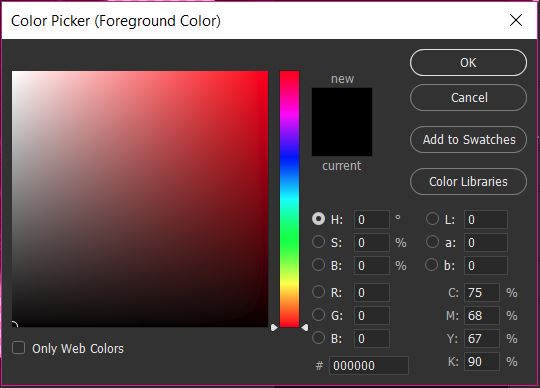
With the color picker, I can slide the rainbow scale to the color range I want to work in and then choose the color shade from the resulting screen.
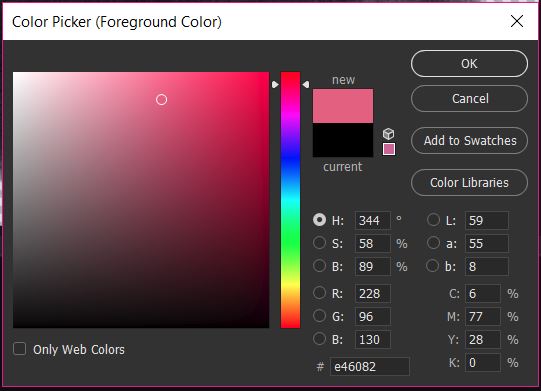
As you can see I have moved the slider up to a reddish pink and clicked and moved the cursor to a mid range pink on the gradient. The color I have chosen appears in the new rectangle.
Once you have chosen the color, click OK and that color will become your foreground color.

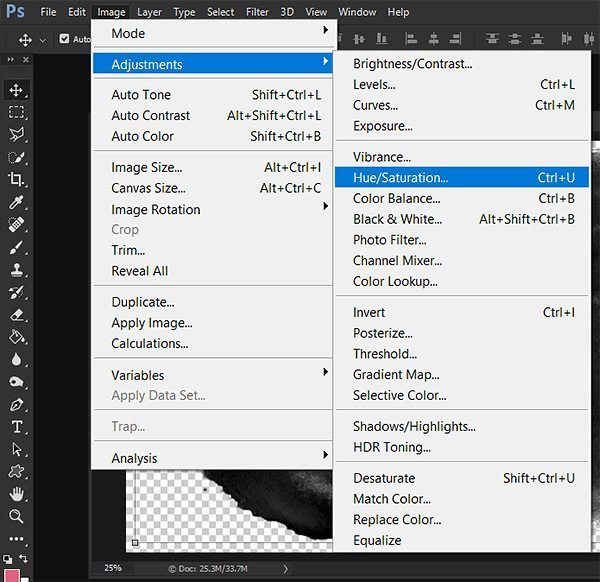
Now we have to adjust the color of the brush stroke using the foreground color. To do so we need to go to Image>Adjustments>Hue/Saturation
In the Hue/Saturation screen you need to click on the Colorize check box which will change the color tone of the brush stroke to your foreground color. In my example this is a dark shade of pink. The black of the stroke is a much darker shade than the pink so we need to adjust this to get the correct shade.
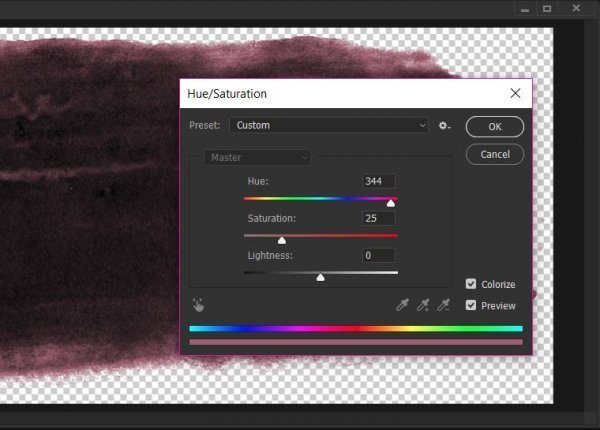
To do this we need to adjust the saturation and lightness. To do that you move the sliders till you are happy with the shade of your chosen color.
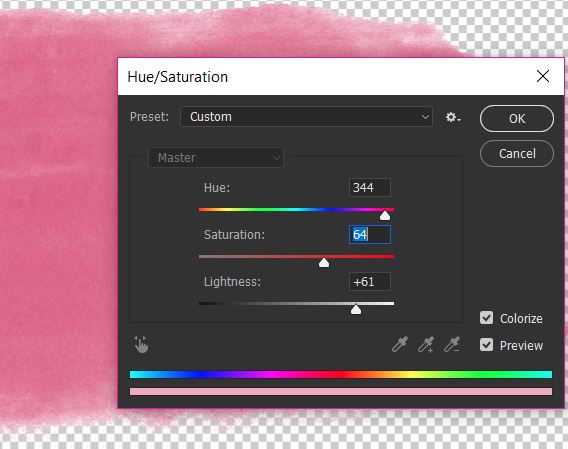
As you can see I have increased the lightness by quite a bit, and have also increased the saturation to get a good depth of color.
This is the end result of the recolored paint stroke.
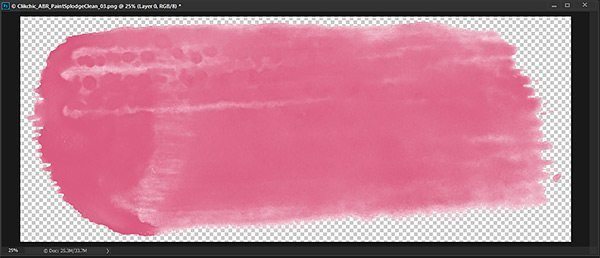
You now have a gorgeous colored stroke and can now save as a new file so that you preserve the original in black.
Aug 22, 2016 | Digital Scrapbooking, Etsy, News, Photoshop
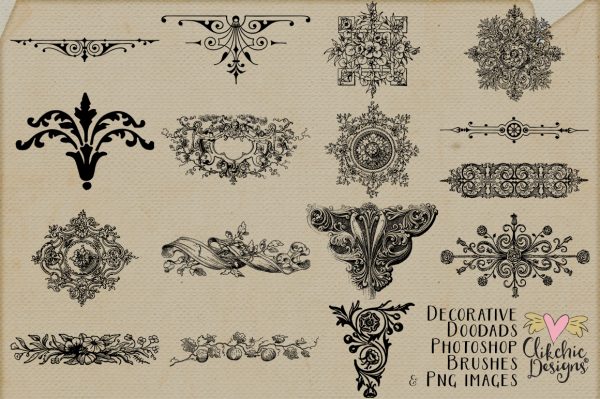
I have a beautiful new set of photoshop brushes available with beautiful ornate and decorative designs perfect for a large variety of uses from digital scrapbooking to graphic design. Vintage Decorative Doodads Photoshop Brushes is available in my Etsy store, Clikchic Designs store and Creative Market store.

Mar 17, 2016 | Layouts
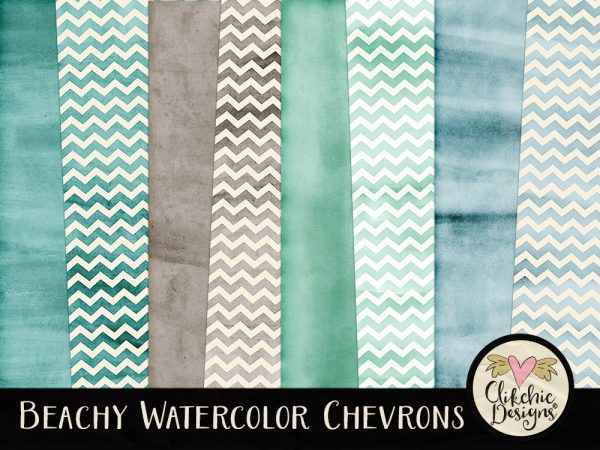
I hadn’t created any layouts with my Beachy Watercolor Chevron Digital Papers yet so I decided to create a layout of Hubby and the kids at Wet and Wild a couple of years ago. They had an amazing time on all the fun slides and rides as you can tell by the layout! Beachy Watercolor Chevron Digital Paper Pack is available both in my Etsy store and my Clikchic Designs store.

Feb 26, 2016 | Digital Scrapbooking
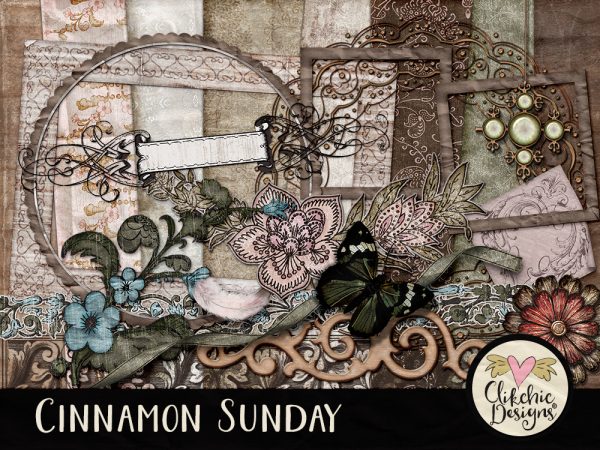
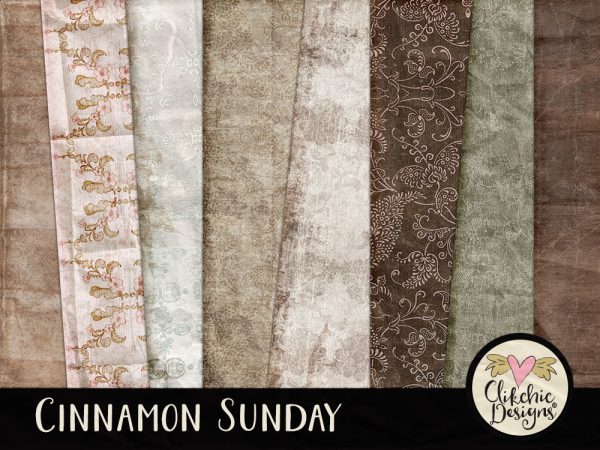
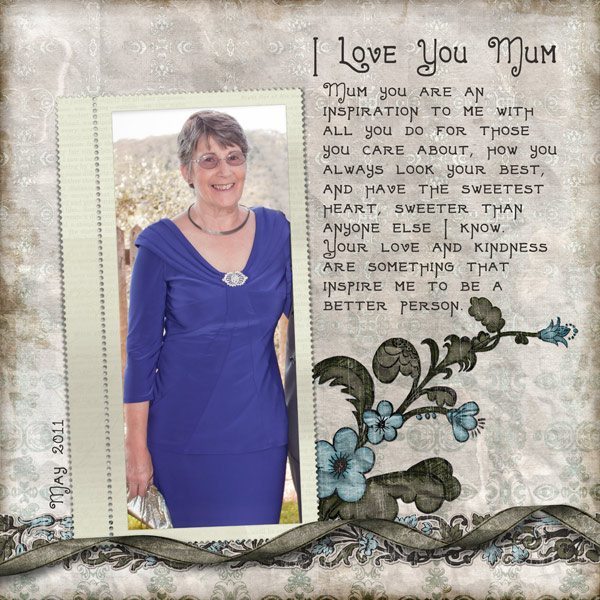
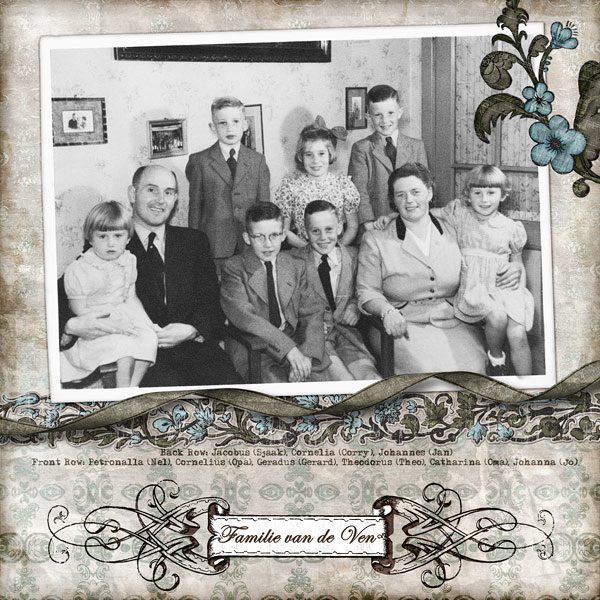
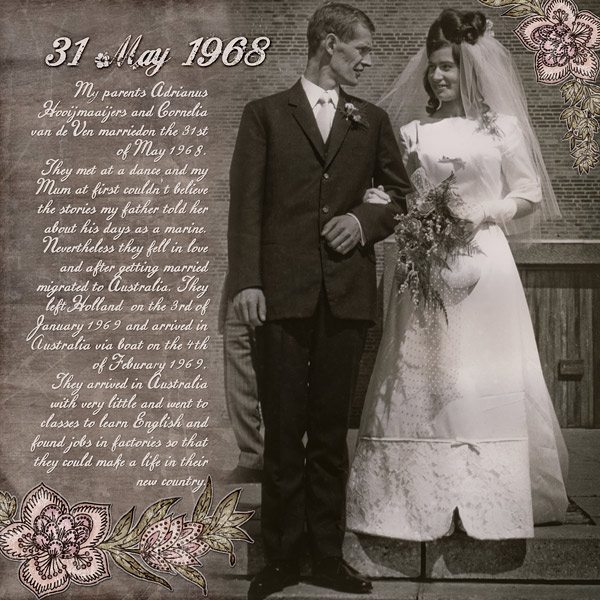
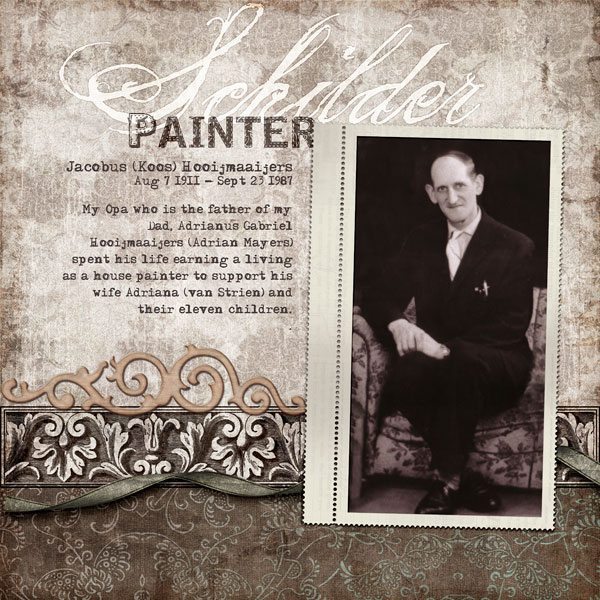
Cinnamon Sunday is one of my favourite go to kits for my digital scrapbooking layouts as you will no doubt see by the number of layouts I have done with it!. Cinnamon Sunday features beautiful warm tones perfect for heritage and everyday digital scrapbook layouts. Cinnamon Sunday is available in my Etsy store and my Clikchic Designs Store.

Oct 30, 2015 | Digital Scrapbooking, New Releases
I have had a few requests for some dog word art so have finally manged to put together some word art for those of you with furry friends. It has been a few years since I have done word art and I forgot how fun it can be! I hope you will enjoy adding this set to your collection for scrapping your furry friends or using as overlays on furry friend photos. Check out the Furry Friends Word Art in my Etsy store or in my Clikchic Designs store.

Jul 25, 2015 | Digital Scrapbooking, Etsy, New Releases, Photoshop
Brand new in my online stores is the beautiful Vintage Frames and Borders set. The set includes Photoshop brushes for maximum usage options and is fabulous for a large variety of uses from party invitations, to digital scrapbooking or graphic design. These beautiful frames have been lovingly restored from my personal vintage pre-copyright ephemera collection. Check out Vintage frames in my Etsy store, my Clikchic Designs store or my Creative Market Store.

Jul 25, 2015 | Digital Scrapbooking, Etsy, New Releases
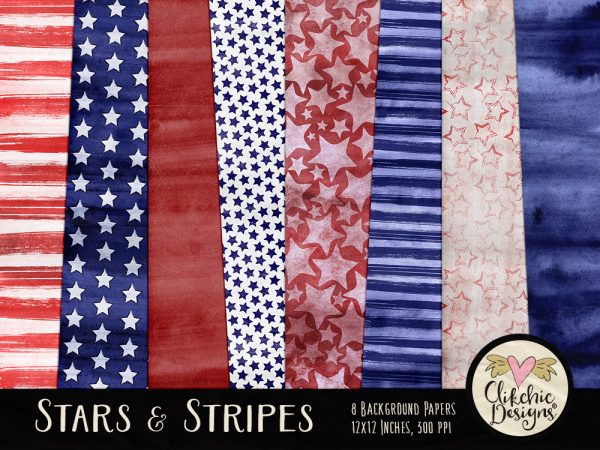
If you haven’t visited any of my stores recently you may have missed a new set of textures (or digital scrapbook papers) I have added to my stores. Featuring patriotic colours and artsy watercolor themed stars and stripes. Check out the Stars and Stripes Digital Paper pack in my Etsy store, my Clikchic Designs store or my Creative Market store.
May 30, 2015 | Digital Scrapbooking, Etsy, Photoshop
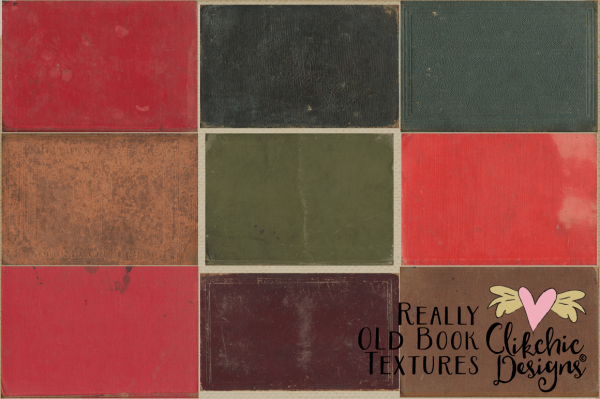
I just love these book textures. I have a collection of old school books that have been treated with lots of love, some would say too much love because they are gloriously grungy and have a ton of character! I have scanned the covers of these fabulous old books for your use in your creative projects. Check out the Really Old Book Textures in my Etsy store, my Clikchic Designs store or my Creative Market Store.