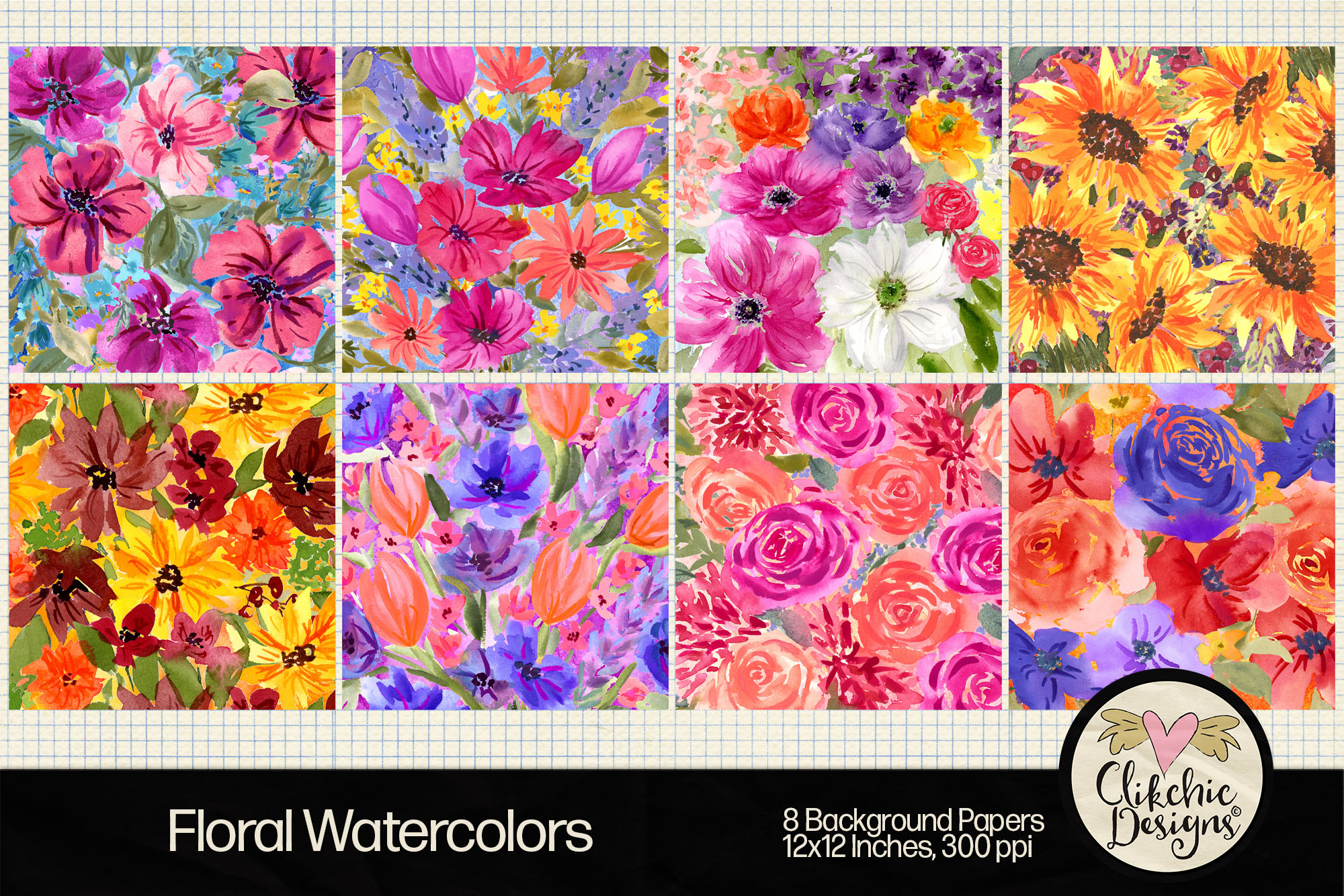
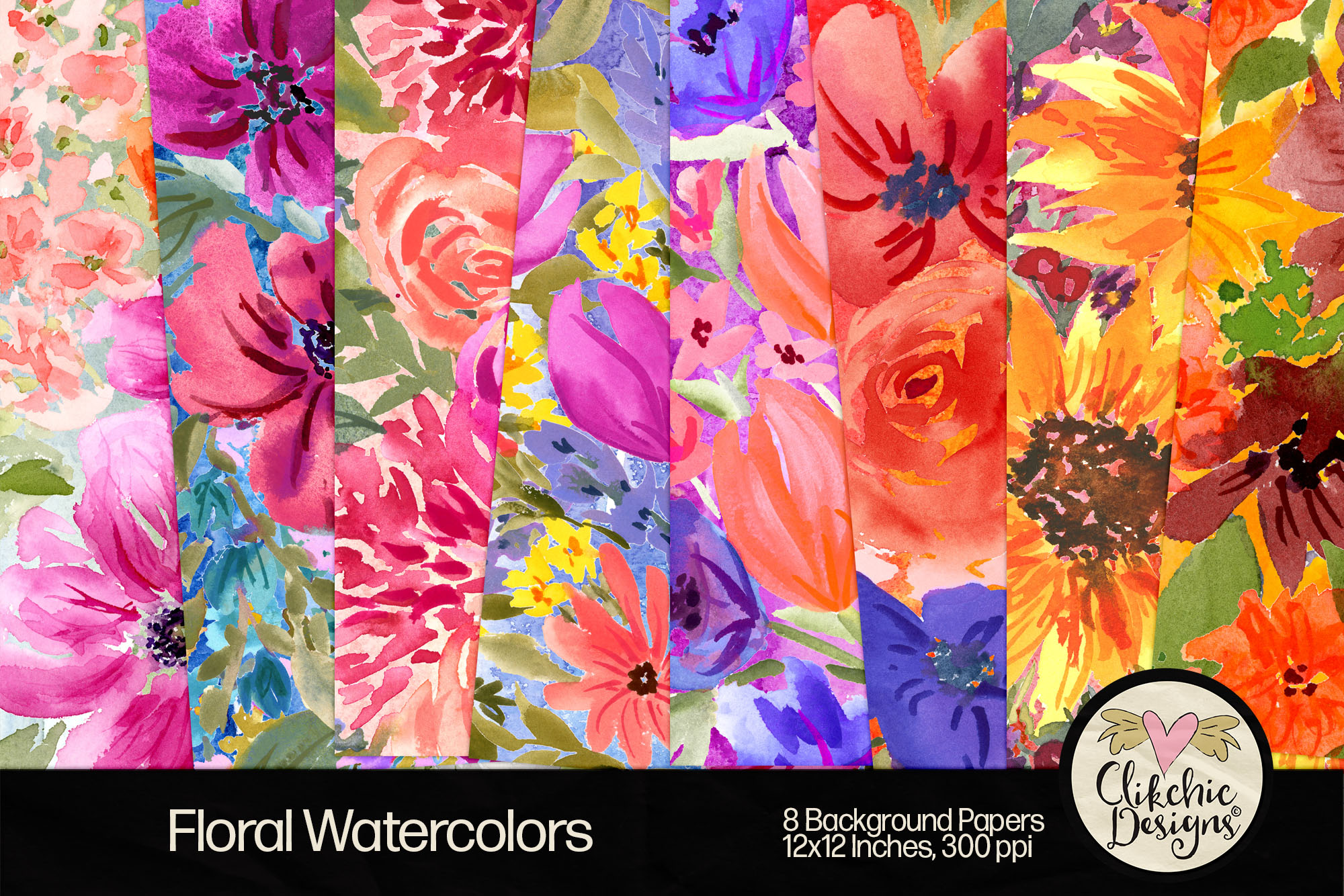
ooking for beautiful watercolor floral backgrounds to elevate your creative projects? This curated collection of hand-painted floral digital papers is perfect for crafters, designers, and makers who love the soft, expressive look of watercolor art. Whether you’re creating printable greeting cards, digital scrapbook pages, planner layouts, or sublimation designs, these high-resolution floral backgrounds add elegance and charm to every project.
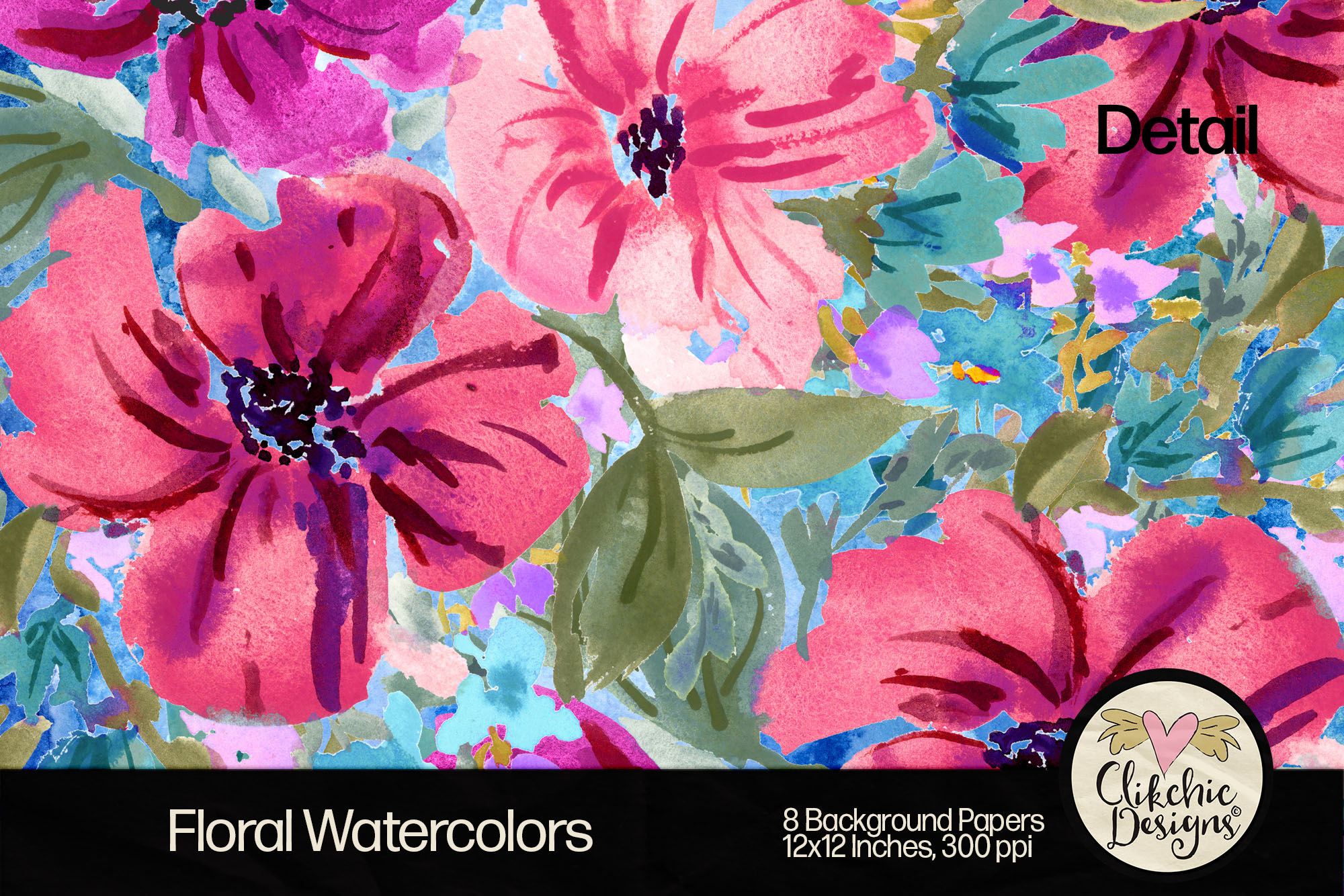
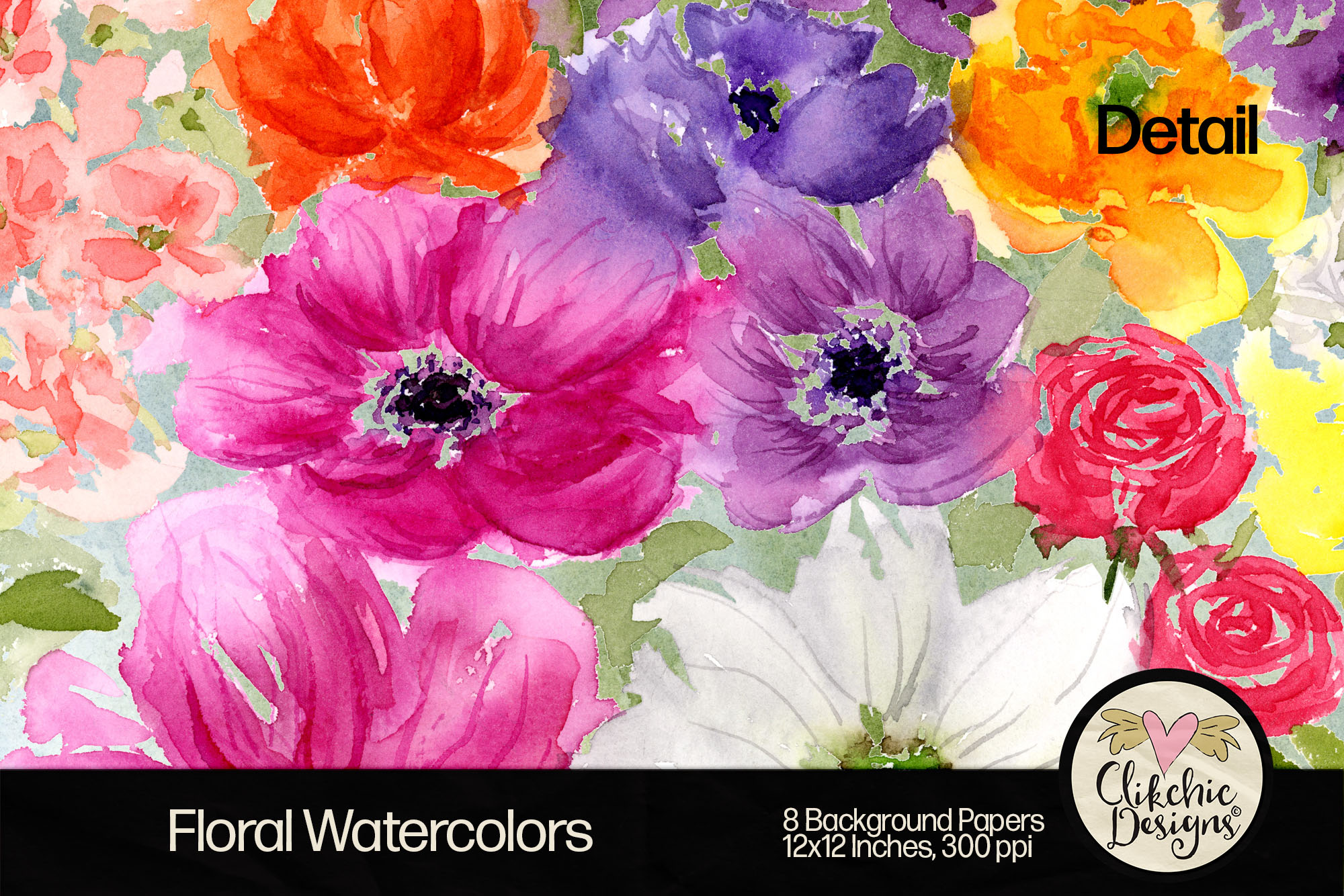
Each watercolor background is created with real brush and paint techniques and digitally enhanced for crisp, vibrant results. These floral digital backgrounds are available as a complete pack or individually, depending on your needs.
Purchase the full 8-pack bundle from these craft marketplaces:
Provided as high-resolution 12″x12″ JPG files (300 DPI)
Perfect for Silhouette and Cricut users
Easy to use for scrapbooking, cardmaking, invitations, planners, and more
Give your crafts a fresh, floral twist with this gorgeous watercolor collection. Whether you’re designing wedding invitations, sublimation mugs, or printable stationery, these watercolor flower backgrounds are a must-have in your digital craft library.
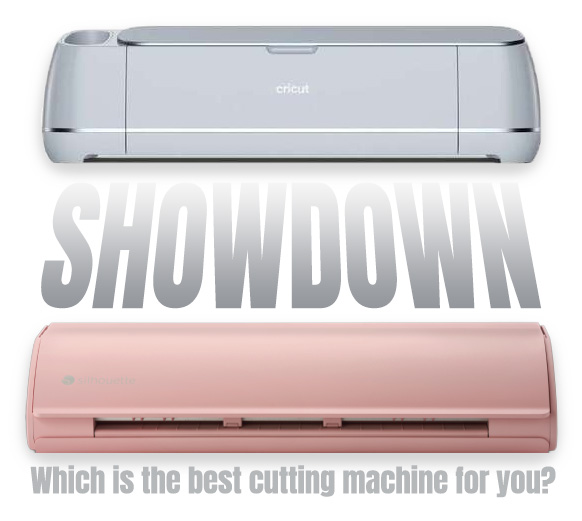
When it comes to precision cutting machines for crafting, two names dominate the market: Cricut and Silhouette. Their flagship models—the Cricut Maker 3 and the Silhouette Cameo 5—are both powerful, versatile tools, but which one is right for your creative needs? Below, we compare the machines head-to-head, including a deep dive into their respective software: Cricut Design Space and Silhouette Studio.
Machine Comparison
The Cricut Maker 3 is celebrated for its ability to cut over 300 materials, from delicate fabrics to dense materials like balsa wood and leather. It works with Smart Materials, enabling matless cutting up to 12 feet in length. Its adaptive tool system supports a wide range of specialist tools, including rotary blades, knife blades, foil transfer tips, debossing tips, engraving tips, and scoring wheels, providing flexibility for intricate and professional projects. While the Maker 3 does not have a built-in roll feeder, a separate Cricut Roll Holder accessory is available to feed Smart Material rolls easily for longer cuts.
Silhouette Cameo 5 excels in precision cutting and offers standout innovations. It handles over 100 materials and cuts up to 3mm thick, making it ideal for thicker media such as foam, leather, and chipboard. The Cameo 5 introduces an improved roller and pinch grip system for enhanced material control and alignment, contributing to cleaner, more consistent cuts. It also features quieter operation than previous models, includes a built-in roll feeder for vinyl, and is compatible with the Electrostatic Mat accessory for delicate materials like paper and vellum. The Cameo 5 also allows users to pause and resume cutting jobs, offering additional flexibility for larger or multi-step projects. Combined with precise print and cut registration, these features make it a favourite among detailed craft enthusiasts and small business owners.
Software Showdown
Cricut Design Space is a cloud-based platform that’s beginner-friendly and designed to help users jump into crafting quickly. It has an intuitive interface and allows free uploads of SVG files and images. While Design Space itself is free, some designs and fonts are part of Cricut Access, a monthly subscription service offering expanded content and convenience for frequent users. For advanced users, however, Design Space may feel slightly limited in terms of fine-tuned design flexibility compared to traditional graphic design programs.
Silhouette Studio offers a robust set of design tools even in its free version. It supports precision editing, advanced layering, and custom path creation for users who want greater creative control. Some premium features, like SVG import and advanced rhinestone tools, require paid upgrades, but these are one-time fees rather than ongoing subscriptions, providing lasting value for those who design frequently.
Pros and Cons
Cricut Maker 3
Pros:
Beginner-friendly and easy to use
Compatible with a wide range of tools and materials
Matless cutting with Smart Materials
Supports a variety of specialty tools (engraving, debossing, scoring, etc.)
Ideal for quick, professional-looking results
Cons:
Limited offline functionality
Less design flexibility for complex projects
Subscription needed for full access to Cricut Access content
Roll holder requires additional purchase
Silhouette Cameo 5
Pros:
High design precision and control
Excellent print and cut registration
Cuts up to 3mm thick materials
Improved roller and media handling system
Built-in roll feeder for vinyl projects
Compatible with Electrostatic Mat for delicate media
Pause and resume cutting jobs
Free software with powerful tools
One-time fee for software upgrades (optional for advanced features)
Cons:
Steeper learning curve for beginners
Paid upgrades required for some professional features
Final Verdict
Choose the Cricut Maker 3 if you want a user-friendly, highly capable machine that offers excellent versatility across a wide range of materials and tools. It’s an ideal choice for hobby crafters, educators, and small business owners who value ease and speed.
Opt for the Silhouette Cameo 5 if you’re looking for maximum design control, detailed precision cutting, flexible media handling, and software that can grow with you. Its robust feature set makes it an excellent choice for professionals, serious hobbyists, and businesses needing greater creative freedom.
Affiliate Disclosure: This post may contain affiliate links. I may earn a small commission at no extra cost to you. Thank you for your support!
I have a few cutting files available in the Silhouette Design Store which I think are pretty cute which you might enjoy incorporating into your creative projects for St Patrick’s Day.
One thing that springs to mind when I think of St Patrick’s Day is a day in my youth when I went to an Irish Pub with my then boyfriend (now husband) and his best friend who had Irish heritage. The atmosphere in the pub reminded me so much of pubs in the Netherlands which I spent a great deal of time in when I was 18. That experience inspired this design. It would be great for printing and cutting for cardmaking or scrapbooking, or used for sublimation or cut from vinyl. Click on the image to go to the design in the Silhouette Store.
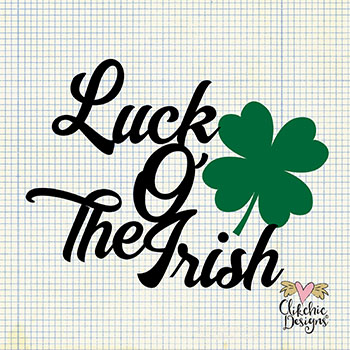
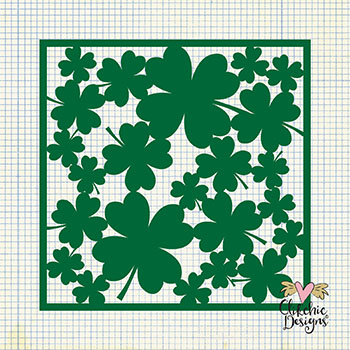
I also have some Luck of the Irish Wordart and a gorgeous Four Leaf Clover Background or Stencil. The Four leaf clover background would be great for card making, scrapbooking or using as a stencil for crafting. The Word art would be great as print and cut, or for sublimation or vinyl. Click on the images below to go direct to the designs in the Silhouette Store.
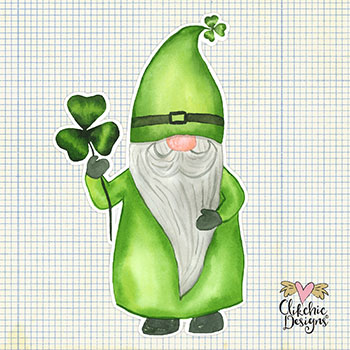
Lastly I have an adorable, whimsical Watercolor St Patrick’s Day Print and Gnome perfect for Card Making, Scrapbooking, Art Journaling, Sublimation and more. Check it out at the Silhouette Design Store
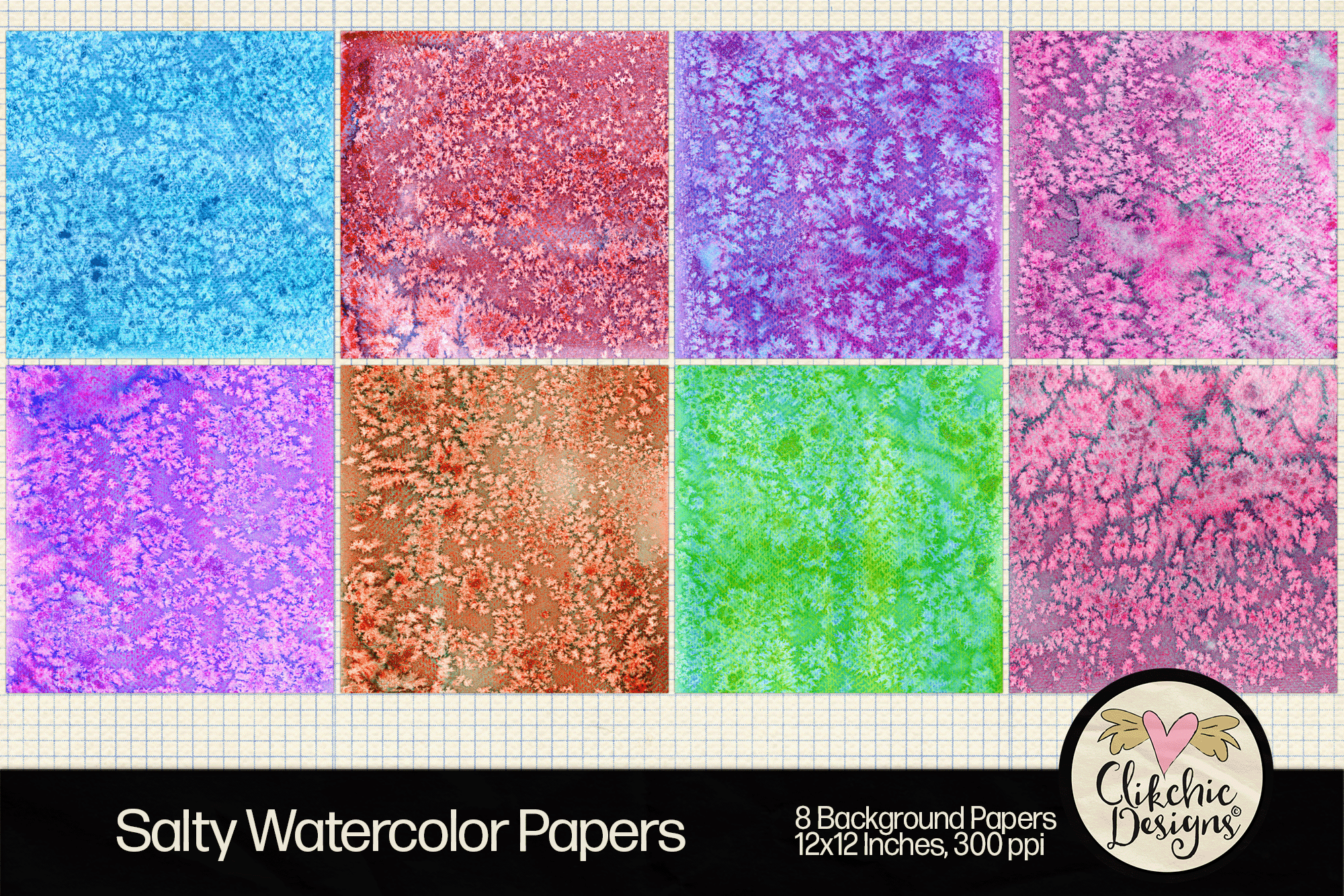
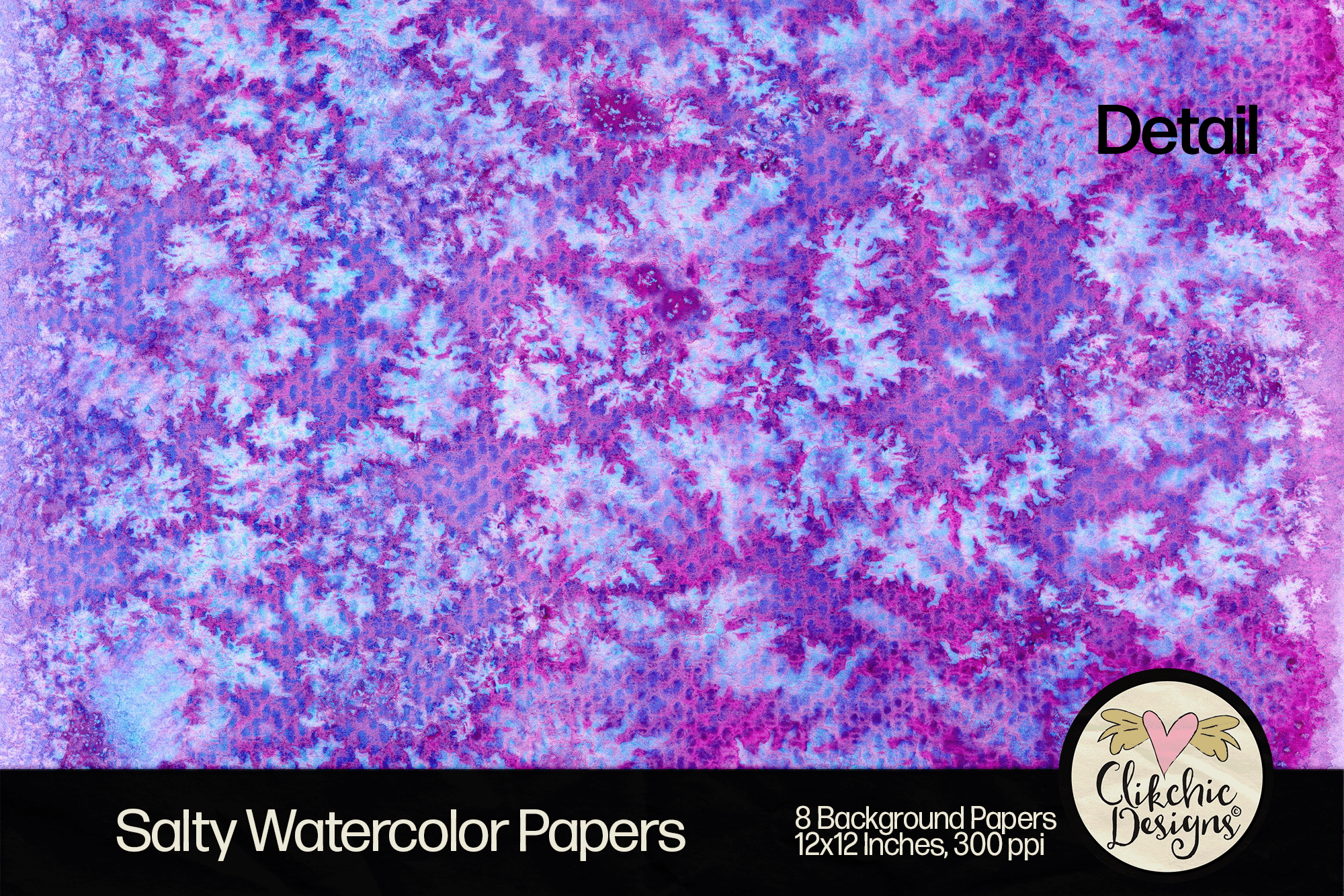
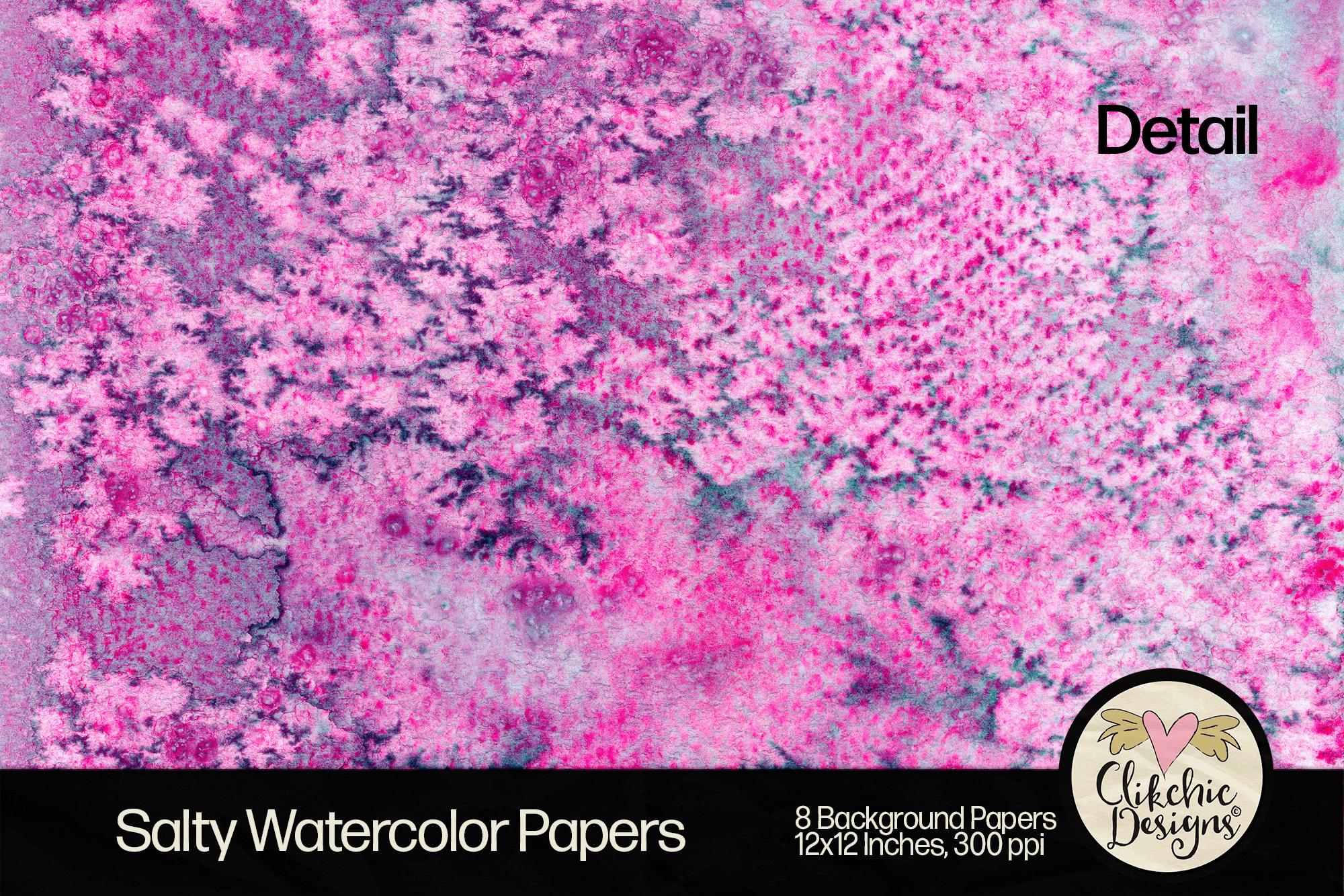
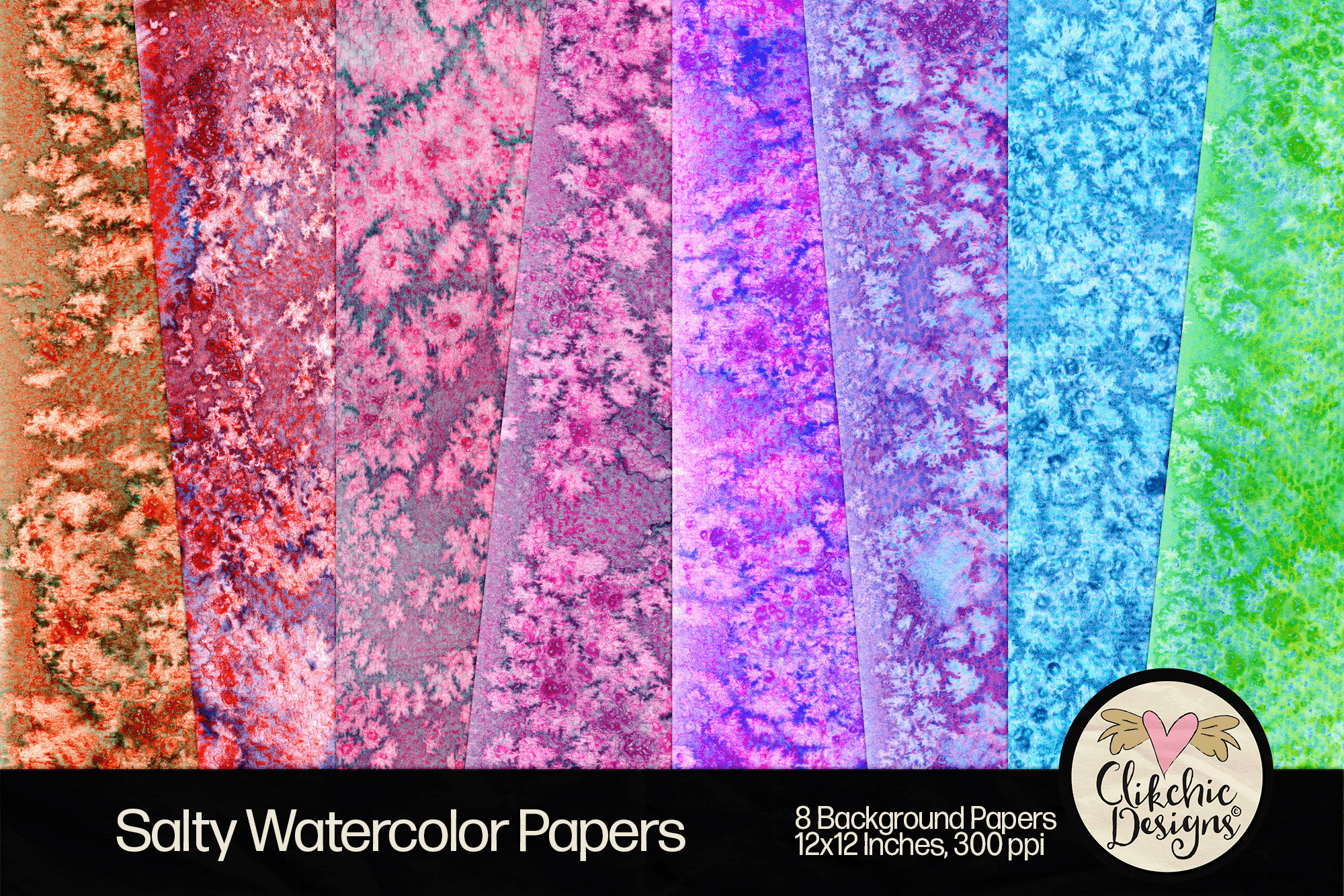
Immerse yourself in creativity with our Watercolor Background Papers – Salty Watercolor Grunge Collection. This unique set features 8 high-resolution digital papers, each showcasing a delightful blend of watercolor textures and salty granulated grunge effects. Perfect for adding an artistic touch to your projects, these versatile papers are ideal for scrapbooking, card making, art journaling, digital art, and more. The subtle, salt crystal textures combined with vibrant watercolor hues create a captivating backdrop for any design.
Unlock endless creative possibilities with these stunning backgrounds. Mix and match the patterns to create unique combinations that reflect your personal style. Whether you’re a seasoned artist or just beginning your creative journey, the Salty Watercolor Grunge Collection is a must-have addition to your toolkit.
Explore our Watercolor Background Papers today and elevate your projects with a touch of artistic flair. Dive into the world of watercolor and grunge, and let your creativity flow with these exceptional digital papers.
These gorgeous backgrounds are available at the following stores.
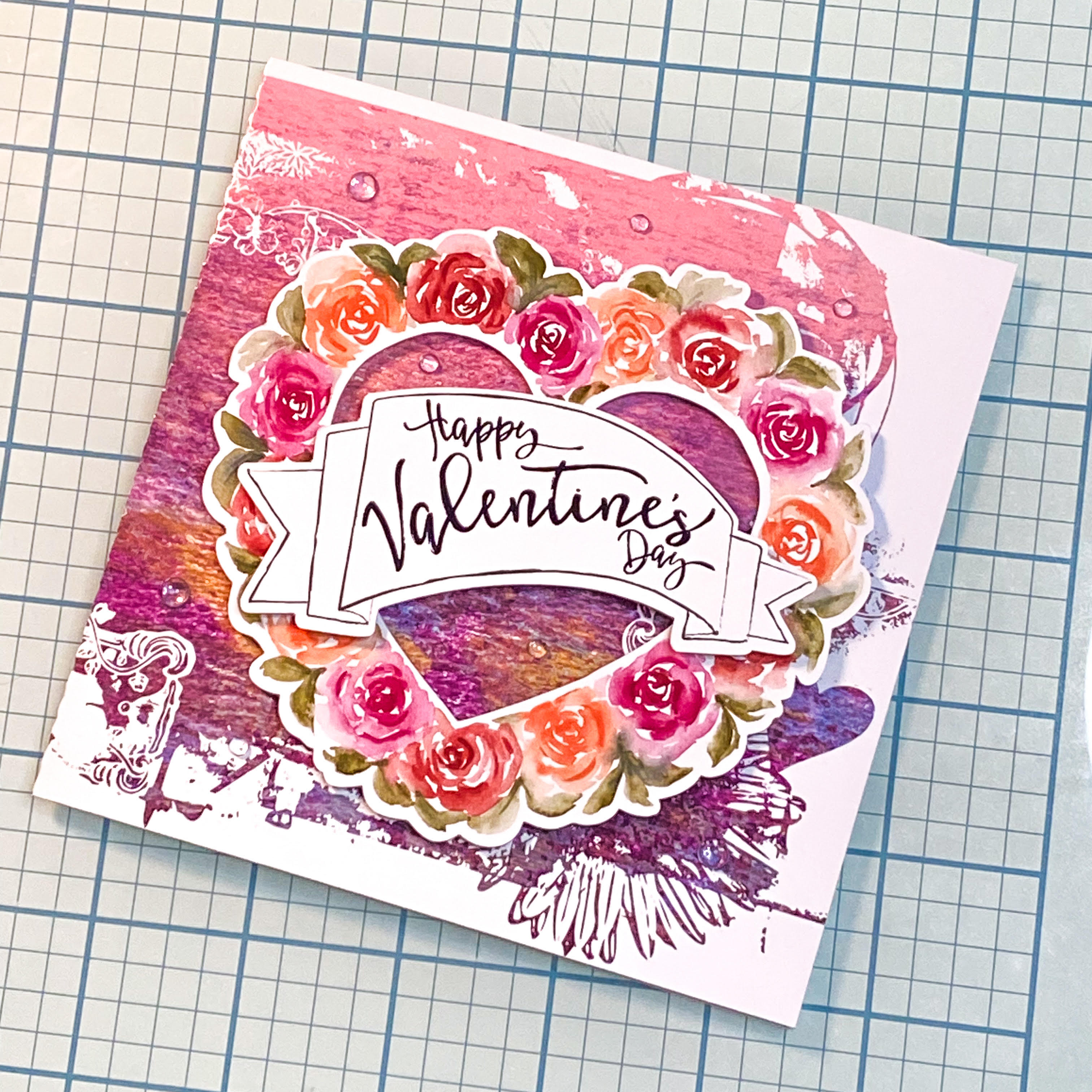
Celebrate Valentine’s Day with an exquisite card crafted using unique print and cut designs from the Silhouette Design Store. These charming designs are ideal for cardmaking, scrapbooking, art journaling, and more. Access store links for the sentiment and Watercolor Roses Wreath, as well as the SVG Clipping Mask and Printable Background featured in the card. Perfect for both seasoned crafters and beginners, these designs infuse a touch of enchantment into your projects. Discover this creative technique to make a distinctive Valentine’s Day card and unleash your artistic potential with these stunning crafting elements. Enjoy the art of crafting! Check out the Instagram Reel showing my process.
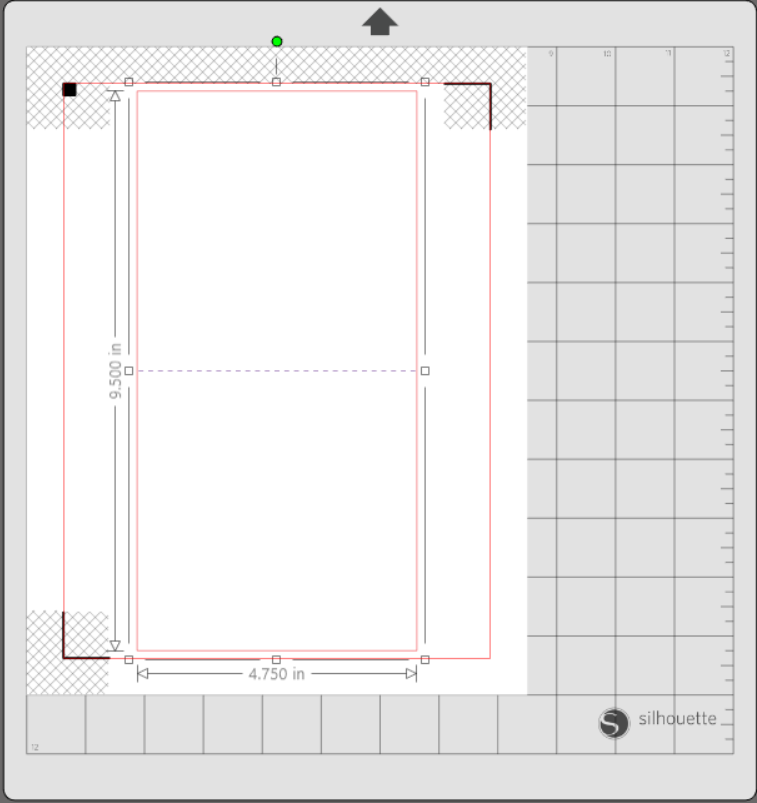
Click here to download the card base FREEBIE! You will need to unzip the file before use. It is a simple but super useful file to have on hand to have a head start on your square card bases. It is also super easy to resize to suit your needs.
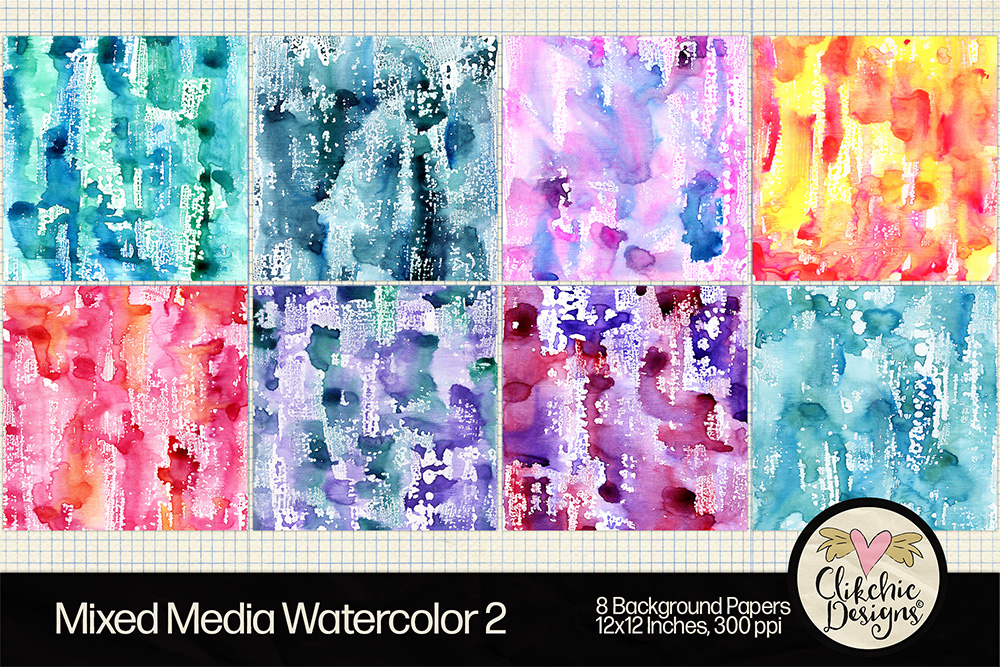
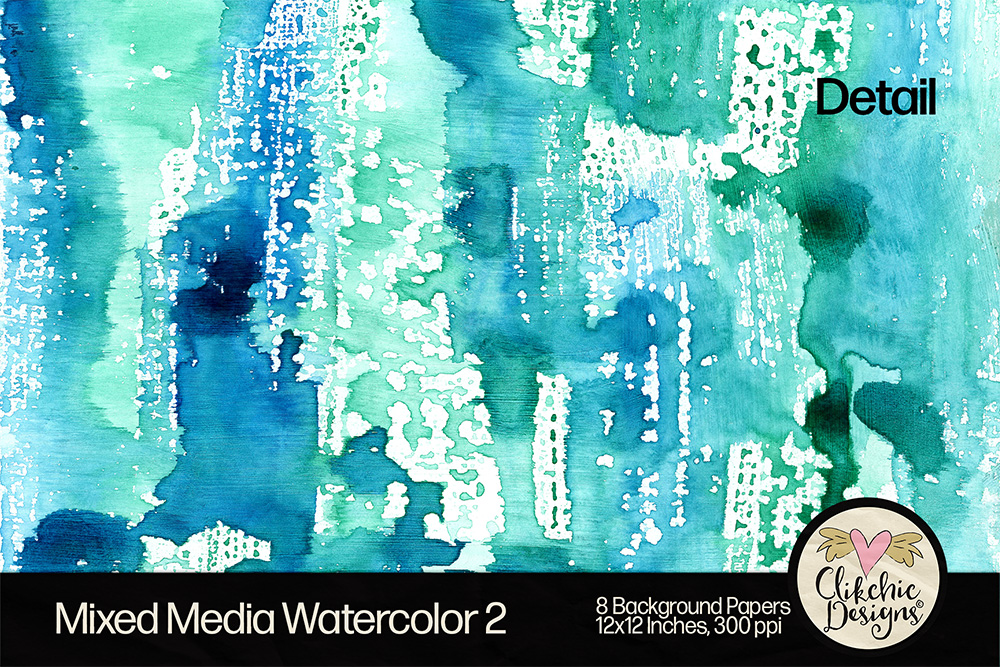
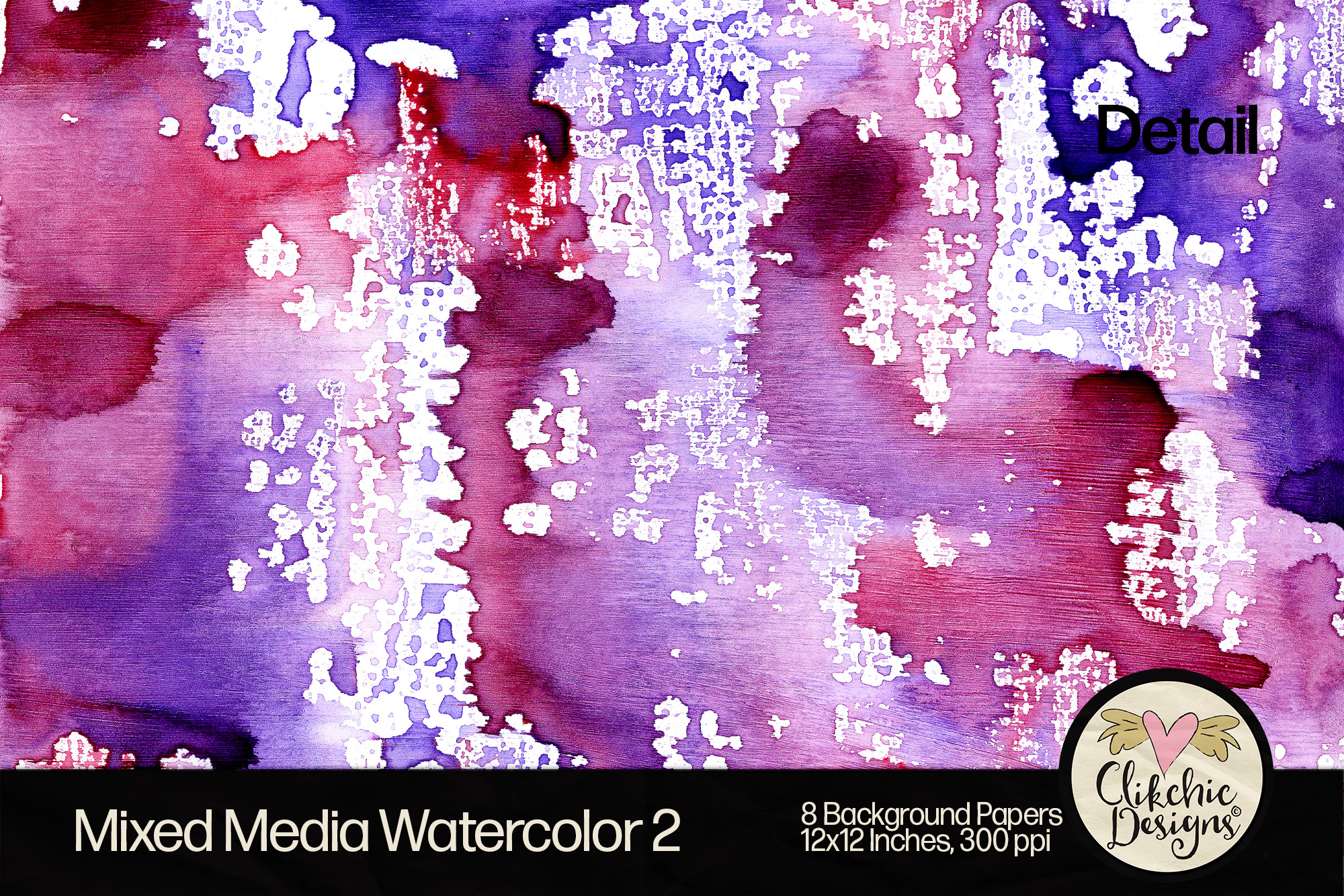
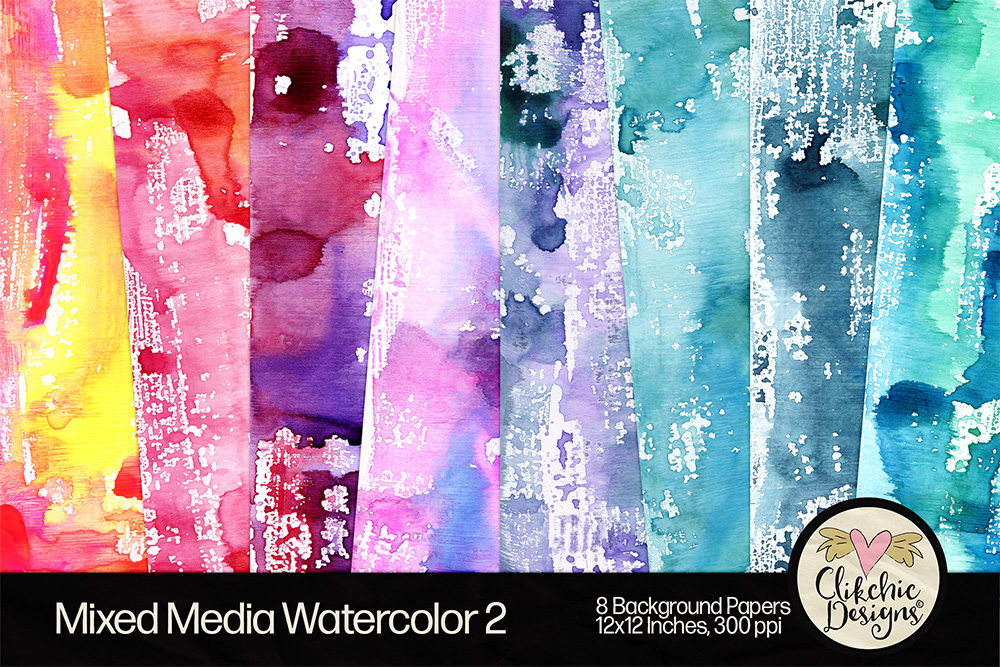
Discover the beauty and versatility of our second volume of hand painted Mixed Media Watercolor Backgrounds Digital Paper Pack. This collection features vibrant, hand-painted watercolor resist on mixed media textures, offering a refreshing and colorful palette for your creative projects. Perfect for both printing and digital use, these high-quality papers are ideal for creating stunning cards, unique art journals, and captivating graphic designs. Each background is meticulously crafted to highlight the vibrant beauty of watercolor blooms and textures, adding an elegant and charming touch to your projects. With these versatile designs, you can explore endless creative possibilities and elevate your digital scrapbook layouts. Unleash your artistic potential and bring your imaginative visions to life with this exquisite digital paper pack.
The pack includes 8 stunning Mixed Media Watercolor Digital Paper Background Textures, ensuring your creations stand out with a unique and fun-filled flair. Enhance your crafting projects and make your designs truly special with our exceptional collection.